

Seating Chart Maker for Events | Sell Reserved Seats
 Written byAshish ChandraLast updatedJuly 1, 2026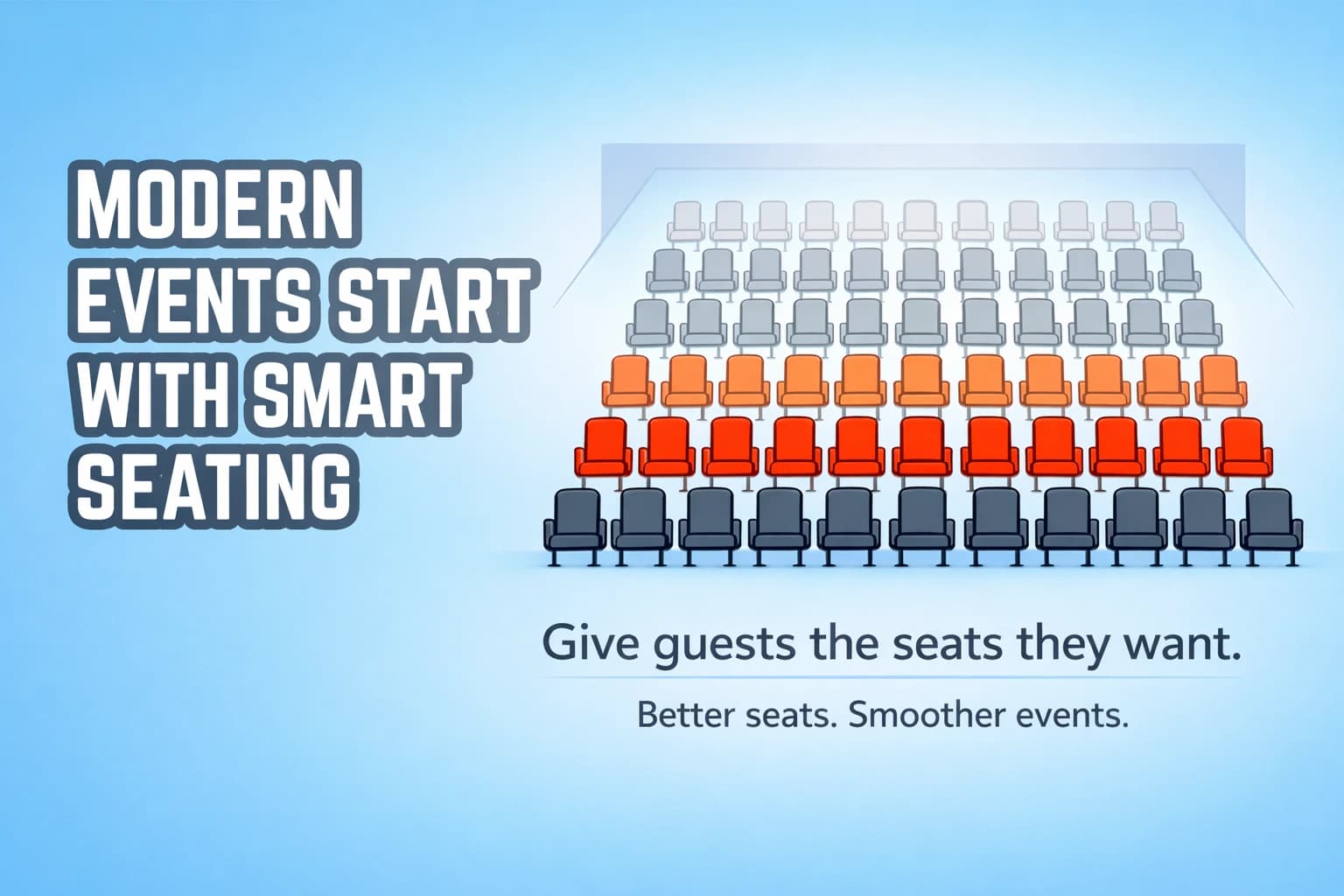
Key Takeaways:
- A seating chart maker is not just a layout tool—it lets guests choose real seats.
- Interactive seat maps prevent double booking and improve the guest experience.
- Reserved seating increases perceived value and ticket revenue.
- Modern systems connect seat selection to QR ticket validation.
- The best seating chart makers also give you pricing control and real-time attendance tracking.
I’ve seen what happens when seating isn’t controlled.
Two guests show up claiming the same chair. A printed sheet gets misplaced. Volunteers argue at the door. The event starts late.
Most organizers think a seating chart is just a visual layout. It’s not. When done right, it becomes a revenue and entry control system.
Reserved seating is also becoming standard. The global event ticketing market continues to grow steadily as more events move to digital systems (Mordor Intelligence). Guests expect seat selection. They expect confirmation. They expect things to just work.
A modern seating chart maker does more than draw seats. It lets you upload your venue layout, map ticket tiers, lock seats during checkout, issue QR tickets, and validate entry in real time.
That’s the difference between a diagram and a system.
Now let’s break it down.
A. What is a seating chart maker (and how is it different from a simple layout tool)?
Most tools online let you drag chairs onto a canvas. That’s not what event organizers actually need.
A real seating chart maker connects three things:
- A visual seat map
- Live seat availability
- Ticket validation at entry
If your tool only exports a PDF, it’s a design tool. Not a seating system.
A proper seating chart maker allows guests to select seats from an interactive map. Once a seat is purchased, it becomes unavailable instantly. No spreadsheet updates. No manual marking.
From my experience, this is where most events fail. They design the seating visually, but manage bookings separately. That disconnect creates chaos. That can lead to double booking issues and awkward gate arguments.
B. Why does reserved seating increase ticket sales and guest satisfaction?
I’ve run events with general admission. I’ve run them with reserved seating. Reserved seating wins. Almost every time.
When guests can choose their exact seat from an online seating chart, they feel ownership. It’s no longer “a ticket.” It’s their seat. That small shift increases commitment and reduces no-shows.
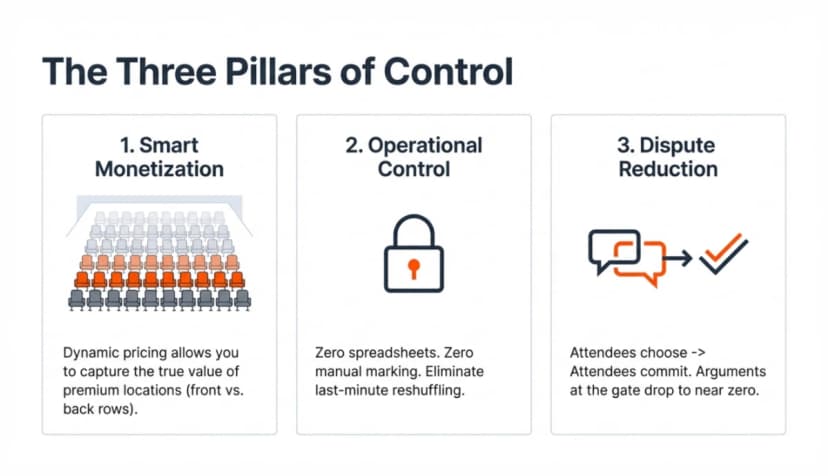
It also increases perceived value. A front-row seat is not the same as a back-row seat. When your seating plan maker allows you to price by section, you stop selling blind categories and start selling positions. That’s where revenue control begins.
There’s also psychology involved. Studies in consumer behavior show that when customers personalize part of their purchase, satisfaction increases.
Harvard Business Review calls this the “IKEA effect”; people value what they help create or choose. The same principle applies to seat selection.
Reserved seating also prevents friction. Guests don’t rush. They don’t argue. They don’t hover. And operationally, it gives you control.
With a proper digital seating chart, you know exactly how many seats are sold, which sections are filling up, and where demand is strongest. That data helps you adjust pricing, promotions, and upgrades in real time.
A DIY seating chart built in Excel or PowerPoint cannot do that. It may look organized, but it doesn’t connect to payments or validation. It becomes another manual layer to manage.
When I recommend reserved seating, it’s not about sophistication. It’s about predictability. You control inventory. Guests control selection. The system controls validation.
That’s how seating stops being a headache and starts becoming a strategy.
C. How an online seating chart maker actually works?
A real online seating chart is not just a picture of seats. It’s live inventory.
Here’s what happens behind the scenes.
You upload your venue layout into the system. That layout becomes an interactive map. Every seat is clickable. Every seat has a status: available, reserved, or sold.
When a guest selects a seat, the system locks it during checkout. If payment succeeds, that seat is marked sold instantly. This means no overlap or manual tracking.
This is what separates basic seating layout software from actual event-grade seating chart software. One draws seats. The other manages them.
Once the seat is confirmed, the system generates a ticket linked to that exact seat. The seat number and section are embedded into the QR ticket. At entry, validation confirms both the ticket and the seat assignment.
A proper digital seating chart connects four things in one flow:
Layout → Payment → Ticket → Validation.
If even one of those steps is disconnected, problems show up on event day. That’s why a true online seating plan generator is less about design and more about control.
D. How does a seating chart maker work (step-by-step)?
To show you how a real seating chart maker works in practice, I’ll walk you through the exact steps using Ticket Generator.
I’m using it here because it supports interactive seating maps, reserved seat booking, QR tickets, and real-time validation, all in one easy-to-set-up system.
Since the seating setup happens before ticket sales go live, let’s start there.
Step 1: Sign up and create your event
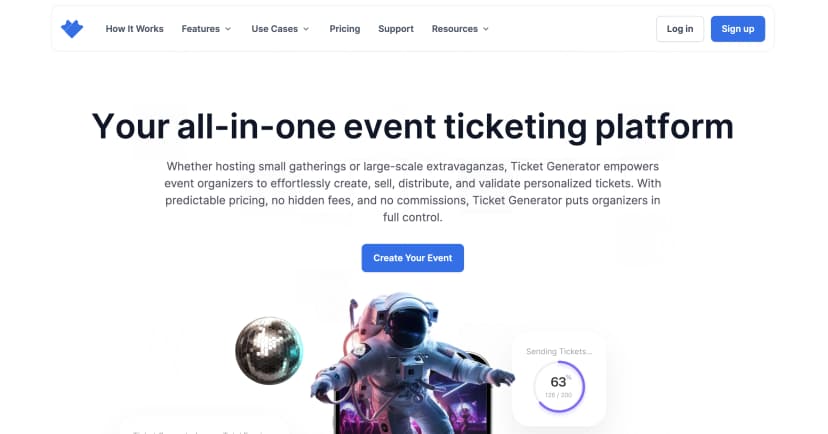
Go to Ticket Generator and sign up.
You won’t be asked for card details while signing up. You also get your first ten tickets free.
Step 2: Request your venue seating design
Before you attach seating to the event, go to Settings → Venue Layout.
Click Request Venue Design.
You’ll see a pop-up asking you to provide your venue’s layout details. Click Continue.
Now fill in:
- Venue name
- Venue address
- Upload your floor plan image (VIP sections, table layouts, balconies, special rules as notes, etc.)
- Your contact details
Submit the request. From here, you can:
- Define ticket tiers (VIP, Premium, General)
- Assign pricing by section
- Control seat availability
- Configure section-level rules
This is where revenue control happens. You’re no longer selling category-based tickets. You’re selling mapped seats.
Once your draft interactive seating map is ready, you’ll be notified. After approval, the venue layout is added to your account.
From that point on, you can reuse it for any event at that venue.
Step 3: Create your event and attach your approved seating plan
After your Layout gets approved, click Create New Event. Add details such as:
- Event name
- Date and time
- Venue
- Description
Under the Venue Name section, tick the checkbox titled "Select a saved venue layout", once checked, you can see the pre-approved Seating Plan with the name in the dropdown. If you haven't already uploaded your seating layout with defined ticket tiers and zones, you can do so by clicking on "Venue layout".
Click Create. Your event now exists inside the dashboard. This is how a real seating chart maker becomes a revenue tool.
Step 4: Design your tickets
Go to the Guest Tickets section and click New Ticket(s) and choose:
- Bulk Ticket – for multiple guests
- Single Ticket – for individual creation
Now design your tickets in three ways:
- Upload Own Design – Use your own template and superimpose QR Codes and unique IDs.
- Edit Design – Use the built-in editor to add logos, brand colors, or background images.
- Select from Template – Choose from pre-designed ticket templates.
Click Preview. Once satisfied, click Done.
Every ticket automatically includes a unique QR Code, the seat number, and section details. Your digital seating chart is now tied directly to ticket validation.
Step 5: Choose how tickets are delivered
After finalizing the design, choose your delivery method:
- Generate Form Link – Create a registration landing page. Approved registrants receive seat-linked tickets automatically.
- Generate and Download – Download printable PDF tickets.
- Generate and Send – Send tickets instantly via email or phone.
- Generate via API – Create tickets programmatically inside your own system.
Once selected, tickets are sent or downloaded. Seats update automatically based on successful ticket generation and payment.
Step 6: Validate tickets at entry
At the venue, validation is simple.
From your dashboard:
- Go to Manage Events
- Select the event
- Click More → Add/Edit Coordinator
- Add team member emails
They install the Ticket Validator App (iOS or Android). Once logged in, they select the event and tap Scan QR Code.
When scanned, the system instantly shows:
- Valid
- Duplicate
- Invalid
Every scan is recorded in real time. You can monitor attendance analytics from the same dashboard. This is where seating layout software connects to actual event control.
Bonus: What about last-minute walk-ins?
If someone shows up without a ticket:
- Log in to your account
- Open the event
- Go to Guest Tickets
- Click New Ticket(s) → Single Ticket
- Choose delivery method
- Click Generate & Download or Generate & Send
A new seat ticket is created instantly. The seating inventory updates automatically. You can also resend tickets from the same tab if someone didn’t receive theirs.
When seat booking, interactive seating charts, QR validation, and analytics work together like this, the process feels controlled.
You’re not just creating a seating plan online. You’re managing seating, revenue, and entry in one connected flow.
E. Common mistakes when managing reserved seating (and how to avoid them?)
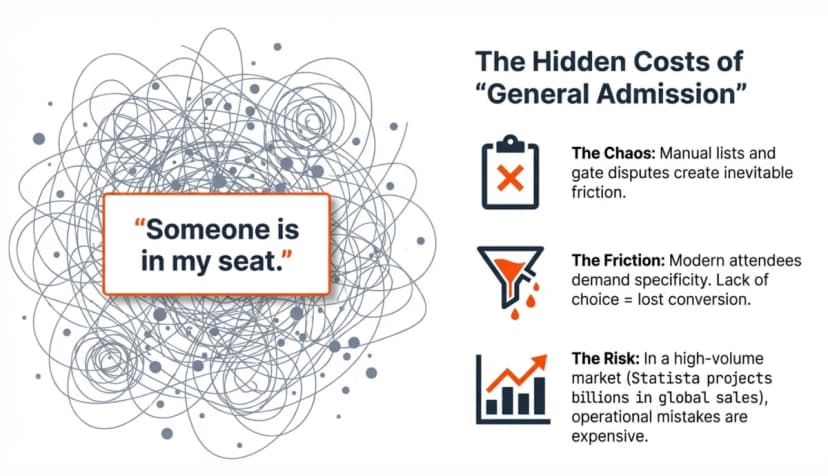
Reserved seating looks simple on paper. In reality, this is where events quietly break. Here are the mistakes I see most often.
1. Using a DIY seating chart with no live sync
A static Excel sheet is not a seating system.
I’ve seen organizers create a beautiful DIY seating chart, then manually mark seats as “sold.” The problem? Two people buy the same seat before someone updates the file.
Without a live online seating chart, you’re relying on human timing. That’s how double bookings happen.
If your seating chart isn’t connected to payments and real-time updates, it’s just decoration.
2. Not locking seats during checkout
This one is subtle. A guest selects a seat. Another guest selects the same seat seconds later. Both proceed to checkout.
If your seating chart software doesn’t temporarily lock seats during payment, you’re creating conflict before the event even starts.
Seats must lock the moment they enter checkout. No lock, no protection.
3. Selling categories instead of mapped seats
Some organizers use a seating plan maker, but still sell “VIP” without assigning exact seats. That defeats the purpose.
If guests arrive early to “claim” seats, you’ve recreated general admission with extra steps. Mapped seats should equal assigned seats. Always.
4. Disconnecting seating from ticket validation
Now this is a big one. If your digital seating chart exists separately from your QR validation system, you lose control at the entry point.
If validation doesn’t reflect seat assignment in real time, disputes start at the door. Reserved seating only works when seat data is embedded into the ticket itself.
5. Ignoring seat analytics
A proper online seating plan generator gives you more than a map. It gives you insight.
- Which sections sell first?
- Where does demand slow down?
- Are premium seats underpriced?
If you’re not reviewing this data, you’re guessing on pricing. And guessing costs revenue.
6. Not planning for walk-ins
Even with pre-sales, someone always shows up late. If your system can’t instantly generate a seat-linked ticket on the spot, you’ll end up reshuffling people manually.
A real seating layout software should let you assign and generate tickets instantly, with inventory updating automatically.
When the entire flow is connected, seating becomes predictable. And predictable events run smoothly.
F. Seating chart maker vs commission-based ticketing platforms
Not all seating tools are built the same. Some platforms offer reserved seating, but take a percentage of every ticket sold. Others let you design a layout but don’t handle payments or validation.
Here’s the real difference.
Commission-based platforms usually bundle everything together. You get seat selection, payments, and ticketing, but they take a cut from every sale. That may work for large public events that rely on marketplace discovery.
But if you’re running corporate events, conferences, school functions, or agency-led events, you often don’t need a marketplace. You already control your audience.
In those cases, commission becomes a cost, not a benefit.
A modern seating chart maker like Ticket Generator works differently. You connect your own payment gateway. You keep 100% of your ticket revenue. Pricing is predictable. No percentage surprises after the event.
There’s also a control difference.
Marketplace platforms prioritize public listing and exposure. Tools like Ticket Generator prioritize operational control – branded pages, QR validation, and reusable venue layouts.
If you only need a visual layout, basic tools may work. If you need revenue control and entry security, you need more than a diagram.
So the decision usually comes down to this: Do you want distribution, or do you want control? For many event organizers, control wins.
G. Why modern events need QR-based seat validation?
A seating chart alone does not prevent conflict. Validation does.
I’ve seen events with a perfect online seating chart still struggle at entry because tickets were checked manually. Someone shows a screenshot. Someone claims a seat. Staff guesses.
That guesswork is where things fall apart. QR-based validation removes that uncertainty.
When a ticket is generated, it carries three things:
- A unique QR Code
- The assigned seat
- The event record
When scanned, the system instantly shows if it’s Valid, Duplicate, or Invalid. If someone forwards a screenshot, it won’t work twice. Once scanned, the ticket is marked used.
This is where a true digital seating chart becomes operational security. The seat is not just visual. It’s tied to a single-use credential.
Without QR validation, reserved seating becomes a suggestion. With QR validation, it becomes enforceable.
Modern guests expect this. They use QR for flights, movies, and trains. Events are no different. If you’re going to create seating plans online, they need to connect to real entry control.
Otherwise, you’re only solving half the problem.
H. How to choose the best seating chart maker for your event?
Not every seating tool is built for real events. Before choosing a seating chart maker, ask yourself a few practical questions.
|
What to Check |
Why It Matters |
What to Look For |
|---|---|---|
|
Upload Your Own Layout |
Real venues are not generic grids |
Supports floor plan upload and mapped sections |
|
Real-Time Seat Locking |
Prevents double booking |
Seats lock during checkout and auto-update |
|
QR-Based Validation |
Prevents screenshot reuse |
Unique, single-use QR per seat |
|
Payment Control |
Protects margins |
No forced commission; supports own gateway |
|
Reusable Layouts |
Saves setup time |
Approved venue maps can be reused |
|
Live Seat Visibility |
Enables pricing strategy |
Real-time seat availability view |
|
Walk-in Ticket Support |
Handles last-minute changes |
Instant seat-linked ticket generation |
|
Analytics |
Improves future events |
Attendance and section-level insights |
If a tool fails even two of these checks, it’s probably a layout designer, not full seating chart software.
The Takeaway
If you’re serious about reserved seating, stop treating it like a design task. Treat it like inventory control.
Upload your venue layout. Turn it into a live, interactive seating map. Let guests choose real seats. Lock inventory during checkout. Validate entry with QR.
That’s how you prevent double bookings. That’s how you protect revenue.
With Ticket Generator, you can create your seating chart, sell mapped seats, design, generate, and distribute tickets, and at the same time keep 100% of your ticket revenue - all inside a single dashboard.
Set up your next event. Upload your layout. Go live in minutes.
FAQs: Seating Chart Maker
1. What is a seating chart maker?
A seating chart maker is a tool that lets you create an interactive seat map for events. A real one connects seat selection to payments, ticket generation, and QR validation.
2. How do I create a seating chart online?
To create seating chart online, upload your venue layout, map sections, assign pricing, and publish the event page. Guests then choose seats directly from the live seating map.
3. What’s the difference between a DIY seating chart and seating chart software?
A DIY seating chart is usually static – Excel, PDF, or slides. It doesn’t update automatically. Proper seating chart software tracks seat availability in real time and prevents double booking.
4. Can guests choose their own seats?
Yes. With an online seating chart, guests see available seats and select their preferred seat during checkout. Once paid, the seat becomes unavailable instantly.
5. How do I prevent double-seat booking?
Use a system that locks seats during checkout and updates inventory immediately after payment. Without real-time syncing, duplicate bookings can happen.
6. What is an online seating plan generator?
An online seating plan generator converts your venue layout into a clickable, interactive seating map. It connects seats to ticket sales and validation.
7. Does seating chart software support QR validation?
Yes. Advanced platforms link each seat to a unique QR code. When scanned at entry, the system shows whether the ticket is valid, duplicate, or invalid.
8. Is reserved seating better than general admission?
For most structured events, yes. Reserved seating improves guest experience, enables section-based pricing, and reduces entry disputes.
Make Your Events Awesome With Weekly Insights!
.png&w=640&q=75)
Subscribe
About the author
Content Marketer at Ticket Generator
Ashish Chandra has spent 5+ years writing about event technology, covering topics such as ticket design, QR check-ins, attendee management, and event marketing strategy. As the Content Lead at Ticket Generator, Ashish has analyzed hundreds of real-world event workflows and ticketing setups, helping organizers across industries use QR-based tickets, event landing pages, and smarter ticketing systems to run smoother, better-attended events. His writing is shaped by real user needs and the questions organizers ask most often: How do I sell more tickets? How do I avoid chaos at the door? How do I make my next event better than my last? When he steps away from the screen, you'll likely find him hiking a quiet trail or tending his plants- his preferred way to reset.
Latest posts
Check out our latest articles on the blog
 12 min read
Email Marketing for Events and Webinars: What to Send, When to Send It, and How to Automate It
A step-by-step playbook for email marketing for events and webinars. Learn what to send, when to send it, and how to automate every email for in person and virtual events.
Ashish Chandra
18 Oct 2026
 10 min read
Halloween Masquerade Ball: How to Host a Night of Masks and Mystery
From Venetian-inspired masks to QR-coded entry, here is your complete guide to planning a Halloween masquerade ball your guests will talk about for years.
Ashish Chandra
18 Oct 2026
 9 min read
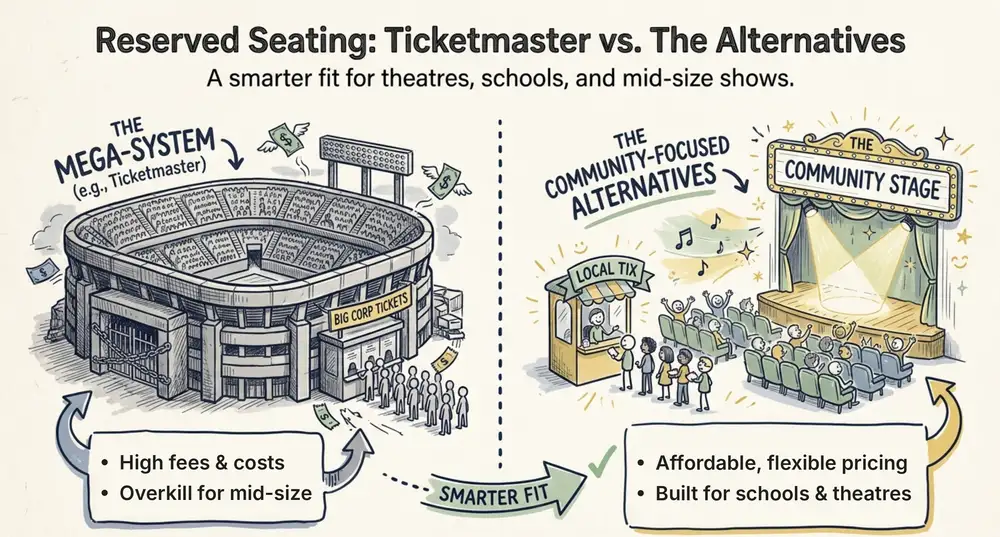
Ticketmaster Reserved Seating: How It Works and a Better Fit for Smaller Events
Ticketmaster reserved seating works well for arenas. If you run a theatre, gala, or mid-size show, see how it works, what it costs, and how to switch.
Ashish Chandra
16 Oct 2026