

Email Marketing for Events and Webinars: What to Send, When to Send It, and How to Automate It
 Written byAshish ChandraLast updatedOctober 18, 2026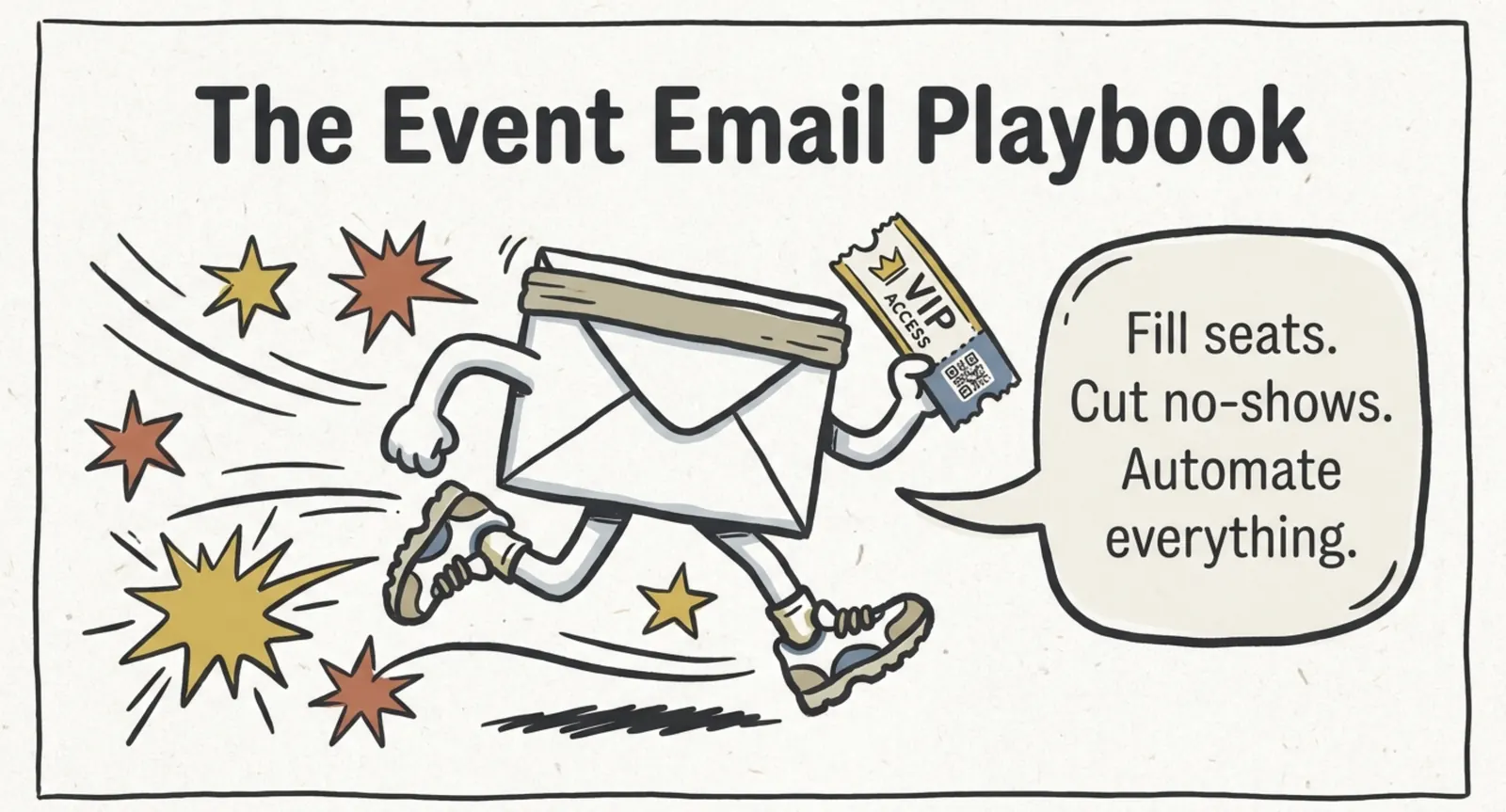
Key Takeaways:
- Email marketing for events and webinars works best as a timeline: invite, confirm, remind, follow up.
- Reminders matter most, because many registrants never show up to the live event.
- In person events need tickets and logistics. Virtual events need a join link and a tech check.
- Automation sends every email on time without manual work.
- Ticket Generator handles tickets, reminders, and campaigns in one place.
Many people who register for an event forget about it as the date gets closer, because life gets busy and their inboxes fill up.
Email marketing for events and webinars is how you stop that. It keeps your event in front of people from the first invite to the final thank-you.
Did you know that 35% of marketers earn $10 to $36 for every $1 they spend on email? Source: Litmus, 2025 State of Email Survey
The core answer is simple. Send a fixed set of emails on a fixed timeline: an invite, a confirmation, a few reminders, a prep email, and a follow-up. Each email has one job, and together they raise sign-ups, cut no-shows, and bring people back for your next event.
In this guide, we walk through that timeline step by step. You will learn how to build your list, write your invites, and plan a webinar sequence. Then we adapt it for in person and virtual events. We finish by showing how to automate the whole thing, so you set each email up once.
What is email marketing for events and webinars?
It means sending the right email at the right time, from the first invite to the last thank-you. Every message has one clear job, and that job changes as the event date gets closer.
Think of it as five stages. If you are still mapping out the event itself, our guide on how to plan an event covers the bigger picture first.
- Build your list. Gather the people who might want to attend.
- Invite and confirm. Get them to register, then lock in the date.
- Remind. Bring registered people back as the date nears.
- Prepare. Send the details they need to show up and enjoy it.
- Follow up. Thank them, share what they missed, and invite them back.
The rest of this guide covers each stage in order. Stage one comes first, because without a list, there is nobody to email.
How do you build an email list for your event?
Start with people who already know you, then add a sign-up point everywhere you promote the event, because a small, warm list beats a large, cold one.
Here are the best places to look first:
- Past attendees from earlier events and webinars
- Customers, members, and newsletter subscribers
- Partners and speakers who can share your invite with their own audience
- Visitors to your event page who leave their email
Your registration form is your best list builder. Ask for an email address and only the other fields you really need. Our guide on how to increase registrations for an event shows how to keep that form short and clear.
Next, split your list into groups. A past attendee needs a different message than a first-time visitor, and a manager needs a different message than a student. Even two or three groups make your emails feel more personal.
Pro Tip: Use a custom registration page to ask one extra question, such as role or topic of interest. With Ticket Generator, event registrations support custom fields, and you own the attendee data, so you can group your list later without exporting from another tool.
With a list in hand, the next job is the invite. This is where most organizers lose people, so it deserves close attention.
What should your invitation and confirmation emails say?
Say what the event is, who it is for, when it happens, and give one clear button to register. Everything else is just noise that pulls attention away from that one action.
Your subject line decides whether anyone reads the rest, so keep it short and put the benefit first. Add the date so people know exactly what you are asking.
- Lead with the benefit. "Fix your ticket sales funnel in 45 minutes" beats "Webinar invitation."
- Add the date or the deadline. Urgency should be real, such as an early bird end date.
- Use preview text. It is your second headline, so do not waste it.
- Keep one button. Two choices split attention and cut clicks.
If you offer a discount for early sign-ups, say so in the invite. Our guide to early bird registration explains how to set the deadline and the price.
Once someone registers, send a confirmation right away. People check their inbox right after they sign up, so this email gets read. Include the date, time, place or link, and an add-to-calendar button, and tell them what to expect and who to contact with questions.
That confirmation is the start of a longer conversation. Between sign-up and event day, interest slowly fades, and that gap is where reminders earn their place.
What is the best webinar email marketing strategy?
Send an invite, a confirmation, three reminders, and a replay email, all timed around the live date. Webinars are easy to join and just as easy to skip, so your reminders carry more weight than your invite.
Did you know that Livestorm data from 7 million+ registrations shows that 46% of registrants attend a webinar live, on average? Source: Livestorm Webinar Statistics (2026)
That number means more than half of your registrants may never see the live session, but reminders and a replay email can recover many of them. Use this timeline as your starting point.
|
When |
|
Goal |
|---|---|---|
|
2 to 4 weeks before |
Invite, then a resend to people who did not open it |
Drive registrations |
|
Right after sign-up |
Confirmation with calendar link |
Lock in the date |
|
1 day before |
Reminder with agenda and speaker |
Cut no-shows |
|
1 hour before |
"Starting soon" with the join link |
Make joining easy |
|
At start time |
"We are live" with the join link |
Catch late joiners |
|
Within 24 hours after |
Replay link and thank-you |
Reach attendees and no-shows |
Each reminder should give a fresh reason to show up, such as one question the speaker will answer or one skill attendees will leave with. Do not just repeat the invite.
Livestorm's data also suggests Tuesday and Wednesday are the best days to send invites. Treat that as a starting point and test it against your own audience. For the planning side, our webinar checklist covers what to prepare before you hit send.
The same timeline works for in person events, but the content changes. A webinar needs a link. A live event needs a ticket, a map, and a plan for the door.
How do you do email marketing for in person events?
Use email to deliver the ticket and the logistics, because people attending in person need practical details more than hype.
Start with the ticket itself. If the ticket lives in the inbox, make it easy to find. Use a clear subject line, such as "Your ticket for [Event Name]," and put the QR code or ticket link at the top of the email. Then offer a simple way to resend it, since people often lose emails.
Then send a prep email one or two days before. Keep it practical:
- Doors open time and the best time to arrive
- Venue address, parking, and public transport options
- What to bring, such as the ticket on a phone or an ID
- Any add-ons they bought, like lunch or parking
A strong ticket and email flow supports good turnout. KHreative Works, a design services firm in Trinidad and Tobago, issued 680+ tickets for its conference and sent 91% of them in batches. Attendance peaked at 98%. You can also use your emails to point people to your on-site QR experience. Our guide on event marketing with QR codes shows how.
In person events carry one extra risk: people can show up at the wrong time or the wrong gate. Clear emails prevent that. Virtual events carry the opposite risk, which is that attendees can join from anywhere, so they can forget from anywhere too.
What are the email marketing best practices for virtual events?
Make joining effortless with one link, the right time zone, and a tech check before the day, because every extra step costs you attendees.
- Put the join link in every email. Do not make people dig for the confirmation.
- Show the time in the reader's time zone. If you cannot, add an add-to-calendar button.
- Send a tech check email. Share browser needs, audio tips, and a backup way to join.
- Keep emails short and simple. Many people read on a phone, so use one column and a big button.
- Send a "starting now" email. It pulls in people who forgot.
- Send the replay within 24 hours. Interest is highest right after the event.
Ticketing helps here too. A unique virtual ticket for each attendee keeps your list clean and your numbers honest. It also pairs well with a simple sign-in flow.
Pro Tip: Ticket emails from Ticket Generator include a Digital Ticket link, so attendees can open their ticket straight from the inbox. If someone loses the email, use the resend option instead of writing a new message.
Good emails get people to the event, but what you send after it decides whether they come back.
What should you send after the event?
Send a thank-you within 24 hours, then split your list into people who attended and people who did not, because each group needs a different message.
- Attendees: thank them, share slides or the recording, and ask for quick feedback.
- No-shows: say you missed them and send the replay link.
- Everyone: invite them to your next event one or two weeks later.
Then check your numbers, because four metrics tell you most of what you need: open rate, click rate, the share of registrants who attended, and unsubscribes. The attendance share is the one to watch. If it is low, your reminders need work.
By now, you have counted a lot of emails: invite, confirmation, reminders, prep, thank-you, and follow-up. Sending each by hand is slow and easy to get wrong, which is exactly where automation helps.
How does email marketing automation for event planners work?
You set up each email once, tie it to a trigger or a date, and let the system send it, so you only step in when something needs to change.
Follow these steps to set it up:
- Map your timeline. Use the stages in this guide as a base.
- Write each email once. Save it as a template and reuse it for recurring events.
- Pick a trigger for each email. A sign-up triggers the confirmation. A date triggers the reminders. Attendance status triggers the follow-up.
- Test with your own address. Check links, time zones, and mobile layout.
- Watch delivery. Look for bounces and fix bad addresses before the event.
Keep a human touch, though. Use the guest's name and the event name, and write like one person talking to another, because automation should save you time and not make you sound like a robot.
You can connect your tools to do this. For example, Zapier can pass a new registration from your ticketing tool to your email tool. But if you want fewer tools to manage, there is a simpler path.
How does Ticket Generator support email marketing for events?
Ticket Generator is built for organizers who want to sell, send, and promote from one place. You do not need a separate email tool for most small and mid-sized events, which saves both money and setup time.
Here is how its features map to the timeline in this guide:
- Campaigns: build subscriber lists and run multi-step, trigger-based email campaigns. Use custom templates and your own sender details so emails look like your brand. You can also track engagement and duplicate a sent campaign for your next event.
- Ticket delivery: send tickets by email in batches of up to 1,000 guests per send. You can also use SMS or WhatsApp. Delivery tracking shows what was sent, delivered, or bounced.
- Schedule Send: pick a date, time, and time zone for a batch, and it sends on its own.
- Integrations: connect Zapier, Mailchimp, or HubSpot if you already use them. Zapier can trigger on events such as a guest registering or a ticket being sent.
Ticket Generator has powered 30,000+ events and generated 1,000,000+ tickets across 100+ countries. You pay by credit for each ticket, with no commission on sales, so your costs stay predictable as you grow.
Conclusion
Good email marketing for events is a timeline, not a one-off blast. Build your list, invite with one clear ask, remind people as the date nears, prepare them, and follow up. Webinars need strong reminders and a replay. In person events need tickets and logistics. Virtual events need an easy join link.
No tactic fits every event, and you do not need to send everything on day one. Start with the confirmation and two reminders, then add more as you learn from your results. Once the flow is set, automation keeps it running. A platform like Ticket Generator brings tickets, reminders, and campaigns together, so your event runs on one system.
FAQs: Email Marketing for Events and Webinars
1. What is the best email marketing strategy for events?
The best strategy is a fixed timeline of invite, confirmation, reminders, prep, and follow-up emails. Each email has one job and one clear action. Segment your list so attendees and no-shows get different follow-ups.
2. How many reminder emails should I send for a webinar?
Three reminders work well for most webinars: one day before, one hour before, and one at start time. Each should add a fresh reason to attend. Test the count with your own audience and adjust.
3. How far ahead should I start emailing for an in person event?
Start four to six weeks before for most events, and earlier for large or paid events. Send the invite first, then a resend to people who did not open it. Add prep details one or two days before the event.
4. Can I automate event emails without coding?
Yes. Most event and email tools let you build templates and set triggers with no code. With Ticket Generator, you can run multi-step campaigns, schedule ticket batches, and connect Zapier, Mailchimp, or HubSpot.
5. What should I send to people who missed my webinar?
Send a short "sorry we missed you" email with the replay link within 24 hours. Add one line on what they will learn from it. Then invite them to your next live session.
About the author
Content Marketer at Ticket Generator
Ashish Chandra has spent 5+ years writing about event technology, covering topics such as ticket design, QR check-ins, attendee management, and event marketing strategy. As the Content Lead at Ticket Generator, Ashish has analyzed hundreds of real-world event workflows and ticketing setups, helping organizers across industries use QR-based tickets, event landing pages, and smarter ticketing systems to run smoother, better-attended events. His writing is shaped by real user needs and the questions organizers ask most often: How do I sell more tickets? How do I avoid chaos at the door? How do I make my next event better than my last? When he steps away from the screen, you'll likely find him hiking a quiet trail or tending his plants- his preferred way to reset.
Latest posts
Check out our latest articles on the blog
 12 min read
Email Marketing for Events and Webinars: What to Send, When to Send It, and How to Automate It
A step-by-step playbook for email marketing for events and webinars. Learn what to send, when to send it, and how to automate every email for in person and virtual events.
Ashish Chandra
18 Oct 2026
 10 min read
Halloween Masquerade Ball: How to Host a Night of Masks and Mystery
From Venetian-inspired masks to QR-coded entry, here is your complete guide to planning a Halloween masquerade ball your guests will talk about for years.
Ashish Chandra
18 Oct 2026
 9 min read
Ticketmaster Reserved Seating: How It Works and a Better Fit for Smaller Events
Ticketmaster reserved seating works well for arenas. If you run a theatre, gala, or mid-size show, see how it works, what it costs, and how to switch.
Ashish Chandra
16 Oct 2026