Key Takeaways: An online box office system lets you sell tickets at physical counters while staying synced with online sales in real time. Manual counter setups cause overbooking, cash reconciliation errors, and no clear audit trail at the gate. A shared live inventory means every counter and online sale draws from the same capacity, so you never oversell. Ticket Generator adds counters, agents, box limits, and multiple payment modes to your existing event. You keep full control of pricing, refunds, and reporting from one dashboard.
Picture your doors opening on event night. There's a line at the counter, walk-ups paying cash, and your online sales page is still live. Then it happens: an agent at the window sells the last seat that sold online thirty seconds earlier. Now you have two ticket holders for one spot and one very unhappy guest.
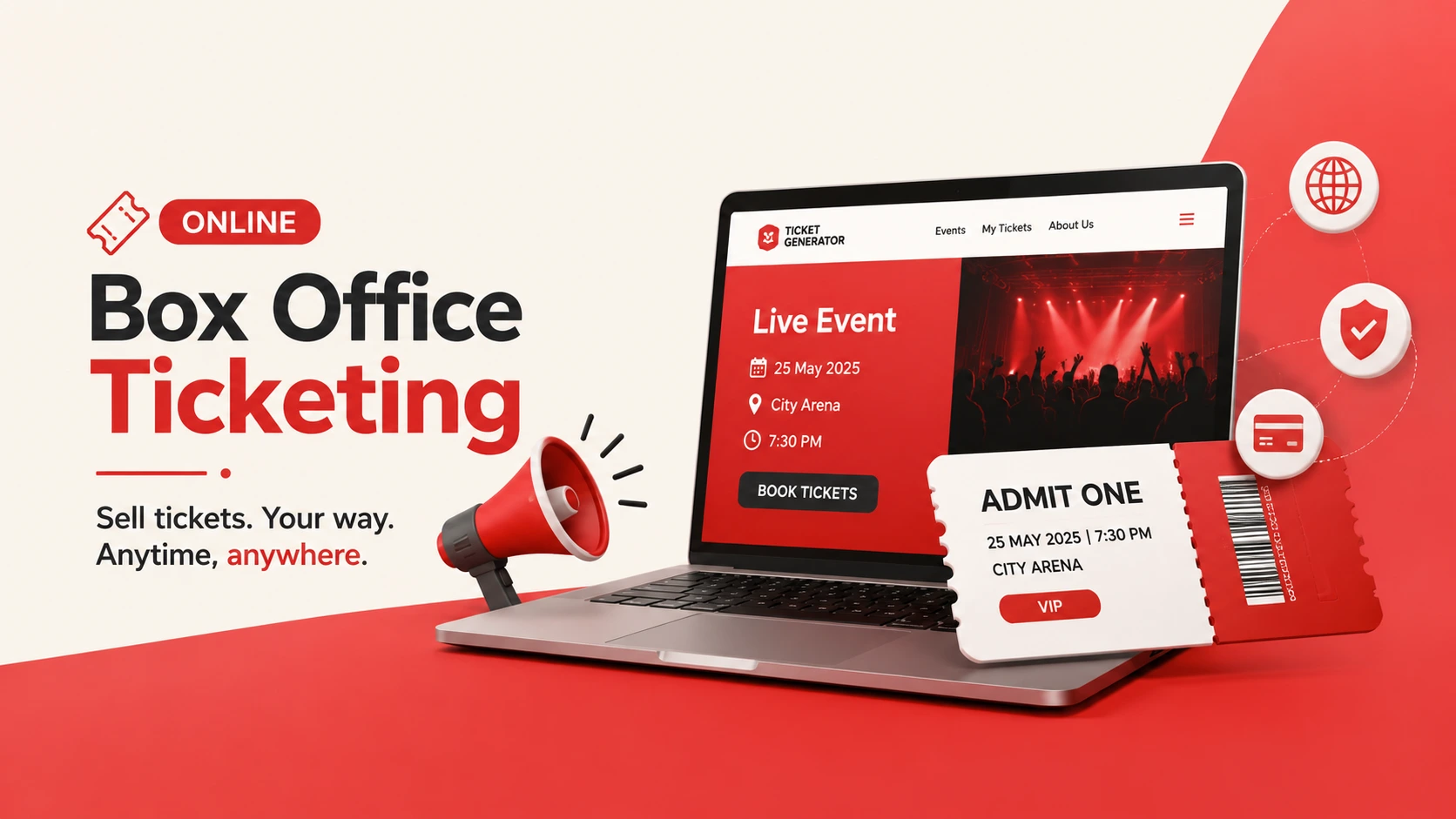
An online box office system is software that lets you sell tickets at physical counters while staying synced with your online sales in real time. Every counter sale and every online order draws from the same live inventory, so you never oversell the room. Think of it as a virtual box office layered on top of your event, one that follows the same rules, pricing, and reporting as your website.
Did You Know? The global online event ticketing market is estimated at approximately $88.4 billion in 2026 and is projected to grow to about $105 billion by 2031. Source:
Mordor Intelligence (2026).
Ticketing is going digital fast, but the door still matters. The organizers who win are the ones who connect the two. In this guide, I'll explain what an online box office system is, how it differs from online-only event ticketing platforms, why manual counters fail, and how to set one up in four steps.
What is an online box office system?
An online box office system is software that manages on-site, at-the-counter ticket sales while keeping them synced with your online ticketing platform in real time. Your staff can sell, issue, and validate tickets at physical counters, and every sale updates the same shared inventory your website uses.
In plain terms, it replaces the old cash box and paper list with a connected setup. A single event can now sell through two channels at once, your online ticketing system and your live counters, without the two ever fighting over the same seats.
A modern online box office software setup usually includes:
Counters: Named physical points of sale, like "Main Gate" or "Counter A."
Agents: Staff members assigned to sell at those counters, each with their own access level.
Shared inventory: One live capacity pool that both online and counter sales draw from.
Payment modes: Cash, card, or both, configurable per counter.
Unified reporting: Every transaction, online or on-ground, in one dashboard.
You'll also hear it being called as "virtual box office". Same idea, different label. Both describe box office software and online ticketing solutions working as one system instead of two disconnected tools.
How is an online box office different from online-only ticketing?
The difference is where and how tickets are sold. Online-only ticketing handles sales through your website; an online box office system adds staffed physical counters that share the same live inventory, so on-ground and online sales never collide.
Most events aren't purely online or purely on-site, they're both. Here's how the three common approaches compare:
Capability
Manual box office
Online-only ticketing
Online box office system
Sells at physical counters
Yes
No
Yes
Sells online
No
Yes
Yes
Real-time shared inventory
No
Online only
Yes
Overbooking risk
High
Low
Very low
Payment at counter
Cash, usually
N/A
Cash + card
Reporting & audit trail
Manual, error-prone
Digital
Unified, real-time
The manual approach still works for a 50-person community night. But the moment you're selling online and at the door at the same time, disconnected tools start costing you seats, cash, and trust. Good event ticket software closes that gap by making both channels read from one source of truth.
Why do manual box office setups cause problems?
Manual box office setups fail because the counter and the website don't talk to each other. Sales tracked in a cash box and a spreadsheet can't update online inventory, which leads to overbooking, reconciliation errors, and disputes at the gate.
The most common failure points I see:
Overbooking: The counter and the website both sell the last available seats.
Cash reconciliation errors: Counting a drawer by hand at 11 p.m. invites mistakes and shrinkage.
No audit trail: You can't see who sold what, when, or at which counter.
Slow lines: Handwritten tickets and manual change slow every transaction.
Fakes and duplicates: Paper tickets with no unique code can be copied or reused.
Did You Know?Mobile devices now account for roughly 59% of online event ticketing transactions, according to
Mordor Intelligence (2026). Even buyers at your physical box office increasingly expect a scannable digital ticket delivered straight to their phone, not a torn paper stub.
There's also the human cost. Anshul Singh Bisht, Head of Event Technology at Ticket Generator, puts it bluntly: "Nine out of ten organizers we onboard mention counterfeit prevention as the first reason they're switching; the cost and speed factors are added benefits. They've faced duplicate tickets at the gate, refund disputes, guests who claim they paid but aren't on the list, and they don't want to live that twice."
Pro Tip: Set a box limit before doors open. With Ticket Generator's box limit control, you decide exactly how many tickets each counter can sell, so no single window can oversell the event, even during a rush.
Ready to bring your counters online? Set up a live box office in Ticket Generator and keep every on-ground sale synced with your website. Your event. Your revenue. Your rules.
How do you set up an online box office for your event?
You set up an online box office in four steps: create your event, enable box office mode, configure your sales rules, then assign agents and start selling. The whole setup takes minutes, and your counters go live synced with your online sales.
Create your event. Log in to Ticket Generator and create your event. Configure your ticket types (VIP, General, Early Bird, or whatever tiers you need) and set your total capacity. This capacity is shared across both online and box office sales, so there's a single source of truth from the start.
Enable box office mode. Activate the box office tab from your dashboard, then configure your on-ground ticketing settings. Add the counters you'll run, for example, Main Gate and Counter A and define how each one operates.
Configure your sales rules. Set box limits to decide how many tickets are sold online versus reserved for on-ground counters. Choose the allowed payment modes for each counter (cash, credit card, or both), and configure your refund policy, eligibility rules, timelines, and the approval workflow you want to enforce.
Assign agents and start selling. Assign trusted staff members as box office agents and set their access levels. Hand them the live box office interface, and as they sell, every transaction updates your shared inventory and appears in your centralized dashboard in real time.
That's it. No separate hardware, no second system to reconcile after the show, your box office and your online sales stay one connected operation.
Set Up Event Ticketing and Distribution in Minutes!
First 10 tickets free | Free account | No credit card required
Any organizer who sells tickets both online and on-site benefits from an online box office system — especially high-footfall events with walk-up crowds. A few clear fits:
Concerts and live events: Advance bookings plus walk-ins. Reserve a portion of tickets for on-site sales, manage queues, and keep counter sales aligned with capacity. (See our guide to running a festival ticketing system.)
Sports venues: Fast-moving counters on match days. Set box limits per gate, assign agents to specific counters, and track walk-in sales in real time. Our sports ticketing software guide digs deeper here.
Theatres and performing arts: Window sales plus online, integrated with assigned seating for events or general admission, so last-minute buyers get the same smooth experience as online bookers.
Corporate conferences and trade shows: Last-minute attendees and on-site registration. Collect payment on the spot, issue tickets instantly, and keep refund rules consistent.
Educational institutions: Plays, fests, and graduations. Control how many tickets go to campus counters versus online, keeping capacity fair for students, staff, and families.
Community and charity events: Walk-in sales handled professionally, with transparent refund and payment policies and every transaction accountable.
How Ticket Generator powers your online box office?
Ticket Generator is built for organizers who want to run a professional box office without losing control of pricing, capacity, or data. Instead of bolting a cash register onto your online sales, it makes both channels one system.
Here's what you get for on-ground selling:
Live box office management: Counters that stay synced with your online sales in real time, so capacity is always accurate and overbooking is prevented.
Box limit control: Allocate exactly how much inventory goes to online versus each counter.
Multiple payment modes: Accept cash and credit cards, configured per counter for smooth, secure transactions.
Agent assignment and control: Assign staff as agents, set access levels, and track individual sales performance.
Refund policy management: Set eligibility rules, timelines, and approval workflows, then enforce them consistently across counters.
Centralized dashboard: Manage every counter, agent, and transaction in one place, with real-time sales and payment summaries.
Activation controls: Activate, pause, deactivate, or delete any counter as operational needs change.
Custom seat maps: Design precise layouts for stadiums, halls, and theatres, with VIP, premium, and general sections.
On pricing, Ticket Generator uses a credit-based model. You pay per ticket generated, not a percentage of every sale. There's no commission, and payments go directly to your own Stripe, PayPal, or Razorpay account. Your box office revenue stays yours.
This isn't theory. Felipe Motta, a food-and-beverage brand in Panama, has run in-person events on Ticket Generator with 638+ tickets issued and up to 96% attendance, with 95% of tickets generated straight through the API. Across the platform, organizers have issued more than 1,000,000 tickets across 30,000+ events in 100+ countries, backed by ISO 27001:2022-certified security.
In short, Ticket Generator gives you box office software and online ticketing solutions in one place. You can run your live box office alongside online sales, keep pricing and refunds under your control, and see every counter from a single screen.
Conclusion
The door still matters. Plenty of buyers show up on the day, and an online box office system is what connects those walk-up sales to everything you're already doing online. It's the difference between two systems that fight over seats and one that keeps a single, accurate count.
Manual counters can limp through a small event, but they don't scale and they carry real risk, overbooking, cash gaps, and disputes you can't settle. A connected box office removes that friction: shared inventory, real-time reporting, secure digital tickets, and no surprises at reconciliation. When your on-ground and online sales speak the same language, event day gets a lot calmer and Ticket Generator is built to make that the default.
Set Up Event Ticketing and Distribution in Minutes!
First 10 tickets free | Free account | No credit card required
An online box office system is software that manages on-site ticket sales at physical counters while syncing them with your online ticketing platform in real time. It handles counters, agents, payments, and inventory in one place, so every sale (online or at the door) updates the same live capacity.
2. Can I control how many tickets are sold at the box office?
Yes. You set box limits to decide how many tickets are sold online and how many are reserved for on-ground counters. This lets you distribute inventory strategically and protect capacity where you need it most.
3. Can I assign multiple agents to different counters?
Yes. You can assign multiple staff members as box office agents and manage their access and permissions centrally. You can also track each agent's sales activity for accountability across every counter.
4. How are refunds handled for box office sales?
Refunds are managed according to the refund policy you configure and can be processed from your dashboard. You define eligibility rules, timelines, and approval workflows so refunds stay consistent and transparent for both online and counter sales.
5. Is box office data synced with online ticket sales?
Yes. In Ticket Generator, all box office and online sales update in real time against the same shared inventory. That keeps your reporting accurate and prevents overbooking, no matter how many counters are open at once.
6. What's the difference between a box office and a virtual box office?
A traditional box office is a staffed window that sells tickets on-site, often with cash and paper records. A virtual box office is the same on-ground selling handled through online box office software, so counter sales sync automatically with your website and reporting.
Ashish Chandra has spent 5+ years writing about event technology, covering topics such as ticket design, QR check-ins, attendee management, and event marketing strategy. As the Content Lead at Ticket Generator, Ashish has analyzed hundreds of real-world event workflows and ticketing setups, helping organizers across industries use QR-based tickets, event landing pages, and smarter ticketing systems to run smoother, better-attended events.
His writing is shaped by real user needs and the questions organizers ask most often: How do I sell more tickets? How do I avoid chaos at the door? How do I make my next event better than my last?
When he steps away from the screen, you'll likely find him hiking a quiet trail or tending his plants- his preferred way to reset.





.png)







.webp)

.svg)
.svg)
