Key Takeaways: To set up a box office, plan your counters and rules first, then configure them in your ticketing platform, create your tickets, assign agents, and test before doors open. Event box office setup is as much operational as technical: staffing, devices, and connectivity matter as much as the software. Creating box office tickets means unique QR codes and clear categories, not generic passes. A quick dry run at each counter catches problems while you can still fix them. Ticket Generator lets you complete the setup in minutes while keeping every box office counter synchronized with online ticket sales.
Setting up a box office isn't hard. Setting up a box office that doesn't fall apart at 7 p.m. on a sold-out night, now that takes a little planning. The software side is quick; the operation around it is where events are won or lost.
Here's the whole process: to set up a box office, you plan your counters and sales rules, configure them in your box office ticketing system, create the tickets you'll issue, assign your agents, and run a quick test before doors open. Do those five things in order and event day mostly runs itself.
Did You Know? Most large event ticketing providers reported higher profits (75%) and higher margins (79%) in 2024 compared with 2023. Source:
Klaviyo 2024 Events Marketing Report.
Ticketing is professionalizing, and a well-run box office is part of capturing that. In this guide, I'll walk the full event box office setup end to end, from the decisions you make before you log in, to creating box office tickets, to the dry run that saves your evening. It fits neatly alongside the other event ticketing platforms workflows you may already run.
What do you need before you set up a box office?
Before you set up a box office, decide five things: how your capacity splits between online and counters, which counters you'll run, how each takes payment, your refund policy, and who staffs each window. Getting these on paper first turns the platform setup into a five-minute job.
The five decisions to make first:
Your split - how many tickets stay online versus reserved for on-ground counters (your box limits).
Your counters - name and locate them: Main Gate, VIP Desk, Counter A.
Payment per counter - cash, card, or both at each window.
Refund policy - eligibility rules, timelines, and who approves.
Agents - who works which counter, and what access each needs.
The kit each counter needs:
A smartphone or tablet for both selling and validating (no special hardware required).
A reliable internet connection Wi-Fi or a mobile hotspot at every counter.
A card reader, only if that counter takes card payments.
A cash float and secure drawer for counters taking cash.
Signage and queue markers, so walk-ups know where to go.
A simple timeline keeps all of this off the critical path:
When
What to do
Why it matters
1–2 weeks out
Plan capacity split, counters, payment and refund rules
Decisions are easier off the clock
1 week out
Configure the platform and create your tickets
Leaves time to fix issues
Day before
Assign agents, charge and prep devices, confirm connectivity
Nothing scrambled morning-of
2 hours before doors
Dry run — test sale and test scan at each counter
Catch problems while they're fixable
Doors open
Monitor the dashboard in real time
Spot overbooking or slow counters early
How do you set up a box office in Ticket Generator?
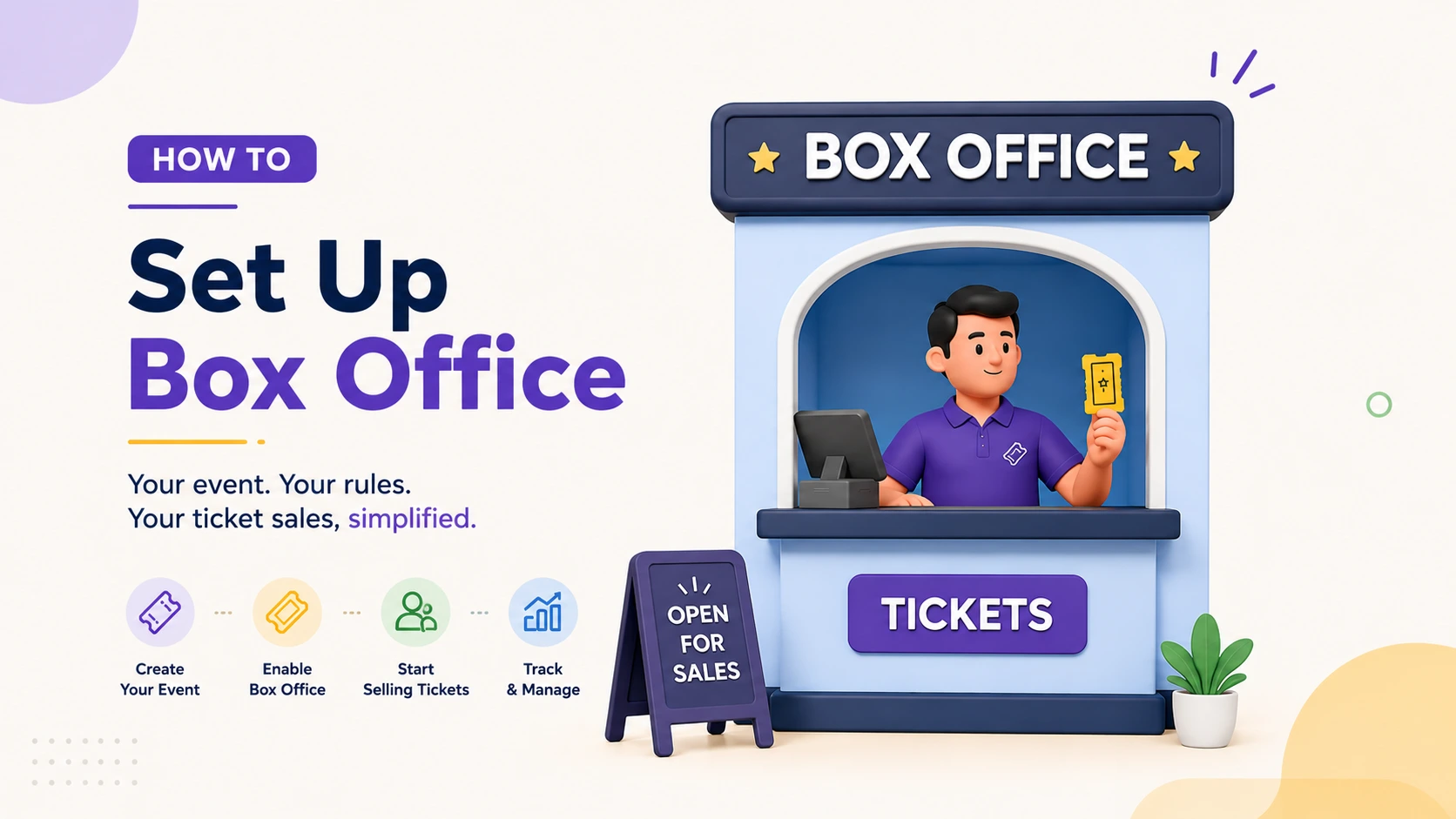
In Ticket Generator, you set up a box office in four steps: create your event, enable box office mode, configure your sales rules, and assign agents. Each step maps directly to a decision from your plan.
Create your event. Log in to Ticket Generator and create your event. Configure your ticket types (VIP, General, Early Bird, or whatever tiers you need) and set your total capacity. This capacity is shared across both online and box office sales, so there's a single source of truth from the start.
Enable box office mode. Activate the box office tab from your dashboard, then configure your on-ground ticketing settings. Add the counters you planned, for example, Main Gate and Counter A and define how each one operates.
Configure your sales rules. Set box limits to decide how many tickets are sold online versus reserved for on-ground counters. Choose the allowed payment modes for each counter (cash, credit card, or both), and configure your refund policy, eligibility rules, timelines, and the approval workflow you want to enforce.
Assign agents and start selling. Assign trusted staff members as box office agents and set their access levels. Hand them the live box office interface, and as they sell, every transaction updates your shared inventory and appears in your centralized dashboard in real time.
Set Up Event Ticketing and Distribution in Minutes!
First 10 tickets free | Free account | No credit card required
You create box office tickets the same way you create any Ticket Generator ticket, design them, set your categories, and let the platform embed a unique QR code on each. These are the tickets your agents issue at the counter and your scanners validate at the gate.
1. Design the ticket
Use the drag-and-drop designer, start from a pre-built template, or upload your own artwork. You can also let AI ticket design do the first pass: enter a prompt or auto-generate from your event details, and it returns four designs to choose from. If your art lives in Canva, connect your account, edit there, and import the updated design straight back. No manual download and re-upload. See our full guide on how to make event tickets if you're starting from scratch.
2. Set your categories and fields
Create the categories you priced in your plan (VIP, General, Early Bird) each with its own price. Add variable fields as needed: guest name, seat number, row, section, QR code, and ticket ID. The event ticket maker handles all of this in one place, and your designs are reusable across counters and future events.
3. Keep them secure
Every ticket gets a unique QR code and a unique Ticket ID, with built-in duplicate detection and one-time validation, so the same ticket can't get two people in. This is exactly why generic, copyable passes don't belong at a box office; proper QR code tickets are what make on-ground validation trustworthy.
Pro Tip: Design once, reuse forever. With Ticket Generator, you can clone an entire event, including tickets, categories, and rules, so recurring events skip most of the setup work.
Setting up your first box office? Create your event in Ticket Generator, add your counters, and design your tickets in minutes. New accounts start with free credits. Your event. Your revenue. Your rules.
Set Up Event Ticketing and Distribution in Minutes!
First 10 tickets free | Free account | No credit card required
How do you set up your counters and agents on event day?
On event day, set up each counter with a charged device, a working internet connection, and an assigned agent logged into the live box office. Confirm payment modes and cash floats before the first sale.
Devices: Any smartphone or tablet runs the Ticket Validator app (iOS and Android) or the web validator. No special scanners needed.
Connectivity: SAelling and scanning both need internet, so confirm Wi-Fi or a hotspot at every counter before doors open. There is no offline mode, so dead zones need a fix in advance.
Agents and access: Each agent logs in with their assigned access. Coordinator roles grant event-level access only, not your full dashboard.
Payments: Verify each counter's configured payment modes, and set out cash floats and card readers where needed.
Flow: Place signage and queue markers so walk-up buyers reach the right window quickly.
How do you test your box office before doors open?
Before doors open, run one test sale and one test scan at every counter. Confirm the ticket validates, the dashboard updates in real time, and box limits behave, then clean up the test tickets.
Make a test sale at each counter, using both cash and card where those are enabled.
Scan the test ticket and confirm a Valid result. Scan it again to confirm the system flags a Duplicate, our QR code scanner for event entry guide shows what each result looks like.
Check the centralized dashboard and confirm the test sale appears in real time.
Test a box limit: try to sell past a counter's cap and confirm it blocks the sale.
Run one refund through your configured policy to confirm the workflow.
Void or clean up the test tickets before real selling begins.
Ten minutes here is the cheapest insurance you'll buy all day. A test that fails at 5 p.m. is a fix; the same failure at 7 p.m. is a queue out the door.
How Ticket Generator makes box office setup fast?
Ticket Generator is built for organizers who want to be live in minutes, not weeks. The platform setup is self-serve with no coding, and several features are aimed squarely at making setup and re-setup painless:
Self-serve setup: Create the event, enable box office mode, and go, without a sales call or onboarding project.
Event cloning: Reuse an entire setup (tickets, categories, rules, counters) for recurring events.
Coordinator roles: Delegate event-level access to staff without exposing your full dashboard.
Centralized dashboard and activation controls: Manage, activate, pause, or deactivate any counter as needs change.
Multi-day support: Ticket status resets at midnight for events that run across several days.
On cost, Ticket Generator uses a credit-based model. You pay per ticket generated, not a percentage of every sale and new accounts start with free credits, so you can set up and test without spending anything.
It holds up for repeat programs, too. Heartland Emmys has run its awards events on Ticket Generator for four consecutive years, issuing 3,433+ tickets across 10+ events, the kind of recurring setup that cloning makes almost effortless. Across the platform, organizers have issued more than 1,000,000 tickets across 30,000+ events in 100+ countries, backed by ISO 27001:2022-certified security.
In short, Ticket Generator turns box office setup into a checklist you can finish in an afternoon. You can run your live box office synced with online sales, create secure tickets in minutes, and reuse the whole setup next time.
Conclusion
Setting up a box office comes down to five moves: plan it, configure it, create your tickets, staff it, and test it. The platform work is fast; the planning and the dry run are what make event day calm.
Not every event needs three counters and a VIP desk, a single window and one agent is a perfectly good box office. But whatever the scale, the sequence is the same, and skipping the test is the one shortcut that always costs you. Get the order right, keep your tickets secure, and reuse the setup for the next event. Ticket Generator is built to make that whole loop quick.
Ready to set up? Build your box office in Ticket Generator, plan your counters, create secure QR tickets, assign your agents, and go live with every counter synced to your online sales. Your event. Your revenue. Your rules.
Set Up Event Ticketing and Distribution in Minutes!
First 10 tickets free | Free account | No credit card required
The platform setup takes minutes: create the event, enable box office mode, set your rules, and assign agents. The rest of the time goes to planning your counters, prepping devices and connectivity, and a short dry run before doors open.
2. Do I need special hardware to set up a box office?
No. Any smartphone or tablet with an internet connection can both sell and validate tickets using the Ticket Validator app. You only need a card reader if a counter accepts card payments, and a cash drawer if it takes cash.
3. Can I set up multiple counters and agents?
Yes. You can run multiple counters, assign different agents to each, and set per-counter rules for payments and box limits. Every counter reports into one centralized dashboard in real time.
4. Can I reuse my box office setup for recurring events?
Yes. Ticket Generator lets you clone an entire event (including ticket designs, categories, and sales rules) so recurring events skip most of the setup. This is one of the fastest ways to standardize event box office setup across a series.
5. Do box office agents need their own accounts?
Agents are assigned within your event with their own access levels, and coordinator roles give event-level access only, not your full dashboard. That keeps selling simple for staff while your reporting and settings stay under your control.
Ashish Chandra has spent 5+ years writing about event technology, covering topics such as ticket design, QR check-ins, attendee management, and event marketing strategy. As the Content Lead at Ticket Generator, Ashish has analyzed hundreds of real-world event workflows and ticketing setups, helping organizers across industries use QR-based tickets, event landing pages, and smarter ticketing systems to run smoother, better-attended events.
His writing is shaped by real user needs and the questions organizers ask most often: How do I sell more tickets? How do I avoid chaos at the door? How do I make my next event better than my last?
When he steps away from the screen, you'll likely find him hiking a quiet trail or tending his plants- his preferred way to reset.





.png)






.webp)

.svg)
.svg)
