

Best Event Ticket Scanner Software in 2026: 6 Top Picks Compared
 Written byAshish ChandraLast updatedAugust 31, 2026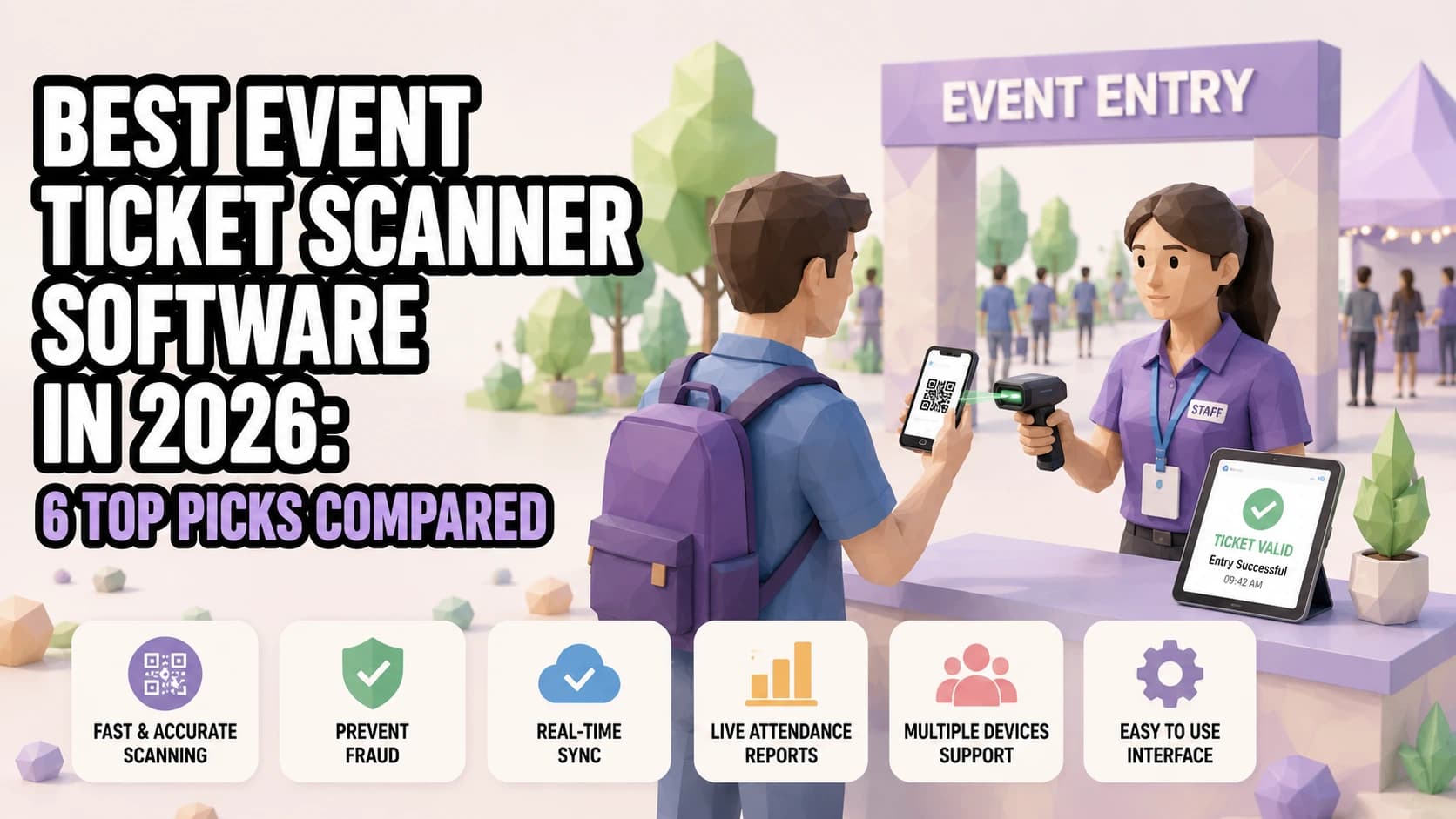
Key Takeaways:
- The best event ticket scanner apps combine fast QR validation, duplicate detection, and pricing that scales with your event.
- Offline scanning is the dividing line: some apps validate with zero signal, others need a live connection.
- Eventbrite, Ticket Tailor, TicketSpice, Purplepass, and Cvent OnArrival each take a different approach to pricing.
- Ticket Generator's Validator app pairs commission-free, credit-based ticketing with instant duplicate flags across unlimited devices.
- Match the software to your venue's connectivity and your event's size before you commit to one.
Did you know that mobile devices now account for 58.4% of all online event ticketing transactions? Source: Mordor Intelligence (2025)
A line at the door doesn't move because a ticket looks legitimate. It moves because whatever is scanning it confirms that fast, correctly, and without freezing the moment the venue WiFi hiccups. With most attendees now showing up with a ticket on their phone rather than a printout, the app your team scans with matters as much as the platform that sold the ticket in the first place.
The best event ticket scanner software for 2026 is the one that matches your venue's connectivity, your gate count, and how you'd rather pay, not just whichever app has the most features on paper.
In this guide, I compare six of the top event ticket scanner apps: Ticket Generator's own Validator, Eventbrite, Ticket Tailor, TicketSpice, Purplepass, and Cvent OnArrival on offline scanning, duplicate detection, and pricing, so you can pick the one that actually fits your event.
What should you look for in Event Ticket Scanner software?
The right event ticket scanner software comes down to six things: offline capability, duplicate and fraud detection, multi-device sync, hardware requirements, pricing model, and how tightly the scanner is wired into your actual ticketing platfom
- Offline scanning — whether the app keeps validating tickets with no signal, then syncs once reconnected.
- Duplicate and fraud detection — whether a ticket is flagged the instant it's scanned a second time, anywhere.
- Multi-device sync — whether every gate sees the same check-in data in real time.
- Hardware requirements — whether a phone camera is enough, or you need dedicated scanners.
- Pricing model — flat per-ticket fee, percentage-based, credit-based, or bundled with a subscription.
- Platform integration — how quickly a ticket becomes scannable after it's bought.
That last point trips up more organizers than it should. A scanner that isn't tightly connected to your ticketing platform can leave a gap between when someone buys a ticket and when it actually becomes scannable at the gate, a real problem if you're taking walk-up or last-minute sales, as noted in FreshTix's roundup of mobile ticket scanning apps. Every app in this guide reads the same kind of QR code tickets, so the real differences show up after the scan.
Pro Tip: If you're staffing more than one entrance, look for a scanner that flags duplicates across every device in real time — not just the one that made the first scan. Ticket Generator's Validator does this automatically, so a ticket scanned at Gate 1 shows as used the instant someone tries it at Gate 3.
Best Event Ticket Scanner Software in 2026: Full Comparison Table
Here's how six of the top event ticket scanner apps stack up on the three things that matter most at the door: whether they work offline, how they catch duplicates, and what they cost.
|
Scanner App |
Offline Scanning |
Duplicate Detection |
Pricing |
Best For |
|---|---|---|---|---|
|
Ticket Generator (Validator) |
Requires an internet connection |
Yes — instant, cross-device |
Credit-based, from $6 / 10 credits; no per-scan fee, zero commission |
Organizers who want ticketing + validation on one commission-free platform |
|
Eventbrite (Organizer App) |
Yes — offline mode, syncs when reconnected |
Yes — flags already-checked-in tickets |
Free scanning; paid tickets ~2.5% + $0.99 (Essentials plan) + card processing |
Organizers already selling through Eventbrite |
|
Ticket Tailor (Check-in App) |
Yes — fully offline |
Yes |
Free app; tickets from $0.60/ticket pay-as-you-sell, or prepaid credits |
Budget-conscious organizers; closest pricing match to TG |
|
TicketSpice |
Yes — full offline mode + sync-on-reconnect |
Yes — shows prior scan details |
Flat 99¢/ticket + card processing (~2.9% + $0.30) |
Recurring paid admissions needing predictable per-ticket cost |
|
Purplepass |
Yes — tri-cellular fallback |
Yes — with photo-match |
~$0.99 + 2.5%/ticket, or monthly plans from ~$99/mo |
Universities, festivals, performing arts venues |
|
Cvent OnArrival |
Yes — once synced to the device in advance |
Yes |
Custom enterprise quote, bundled into a Cvent contract |
Large conferences and trade shows already on Cvent |
What are the Best Event Ticket Scanner Apps in 2026?
A quick look at what each platform actually does well, and who it's built for.
Ticket Generator (Ticket Validator)
Ticket Generator's Validator app checks tickets by QR code and returns a Valid, Invalid, Duplicate, or Expired result instantly, with support for simultaneous scanning across as many devices as your gates need and re-entry built in. Pricing is credit-based rather than commission-based, so scanning is included in what you already paid to generate the ticket — there's no separate scanning fee. It's a strong fit if you're already using, or considering, Ticket Generator for the ticketing itself and want validation on the same platform, though it currently needs an internet connection to scan.
Eventbrite (Organizer App)
The Eventbrite Organizer app is free to download and scans QR codes straight from a phone's camera, with an offline mode that queues check-ins and syncs once the connection returns. It's the obvious pick if you're already selling tickets on Eventbrite, since scanning is bundled in at no extra cost — the trade-off is Eventbrite's per-ticket fees on paid events, which run roughly 2.5% + $0.99 on the Essentials plan before card processing.
Ticket Tailor (Check-in App)
Ticket Tailor's Check-in app is free on iOS and Android, scans both digital and printed tickets, and works fully offline — genuinely useful for outdoor or rural venues with patchy signal. Ticket Tailor is Ticket Generator's closest pricing match: pay-as-you-sell from $0.60 per ticket or prepaid credit bundles, with no platform fee on free events. It's a solid pick for budget-conscious organizers who want a no-frills, reliable scanner.
TicketSpice
TicketSpice's scanner supports full offline validation with sync-on-reconnect, and shows prior scan details when it flags a duplicate. Pricing is a flat 99 cents per ticket plus standard card processing, which stays predictable even as ticket prices climb — a good fit for recurring paid admissions, like attractions or classes, where per-ticket cost matters more than a percentage-based fee.
Purplepass
Purplepass pairs QR, barcode, and NFC scanning with tri-cellular fallback, so its scanners keep working even when a venue's main connection drops. It charges roughly $0.99 plus 2.5% per ticket, which organizers can pass on to buyers or absorb, and it's popular with universities, festivals, and performing arts venues that want dedicated onboarding and rental hardware on top of the app.
Cvent OnArrival
Cvent OnArrival is built for large conferences and trade shows already running on Cvent's enterprise platform. Basic check-in, scanning, and badge printing all work offline once the event is synced to the device in advance. It's priced into Cvent's custom enterprise contract rather than sold standalone, so it makes the most sense for organizations already invested in Cvent's broader event management suite.
Try Ticket Generator's Ticket Validator app to check attendees in on the same commission-free platform where your tickets are generated — no separate scanning tool to buy or configure.
Does Offline Scanning actually matter for Ticket Validation?
Yes, if your venue doesn't have reliable WiFi or cellular coverage, offline scanning is the difference between a gate that keeps moving and one that stalls the moment the network drops.
The risk is highest at outdoor festivals, rural venues, and any indoor space where a few thousand attendee phones are competing for the same bandwidth as your scanning devices. FreshTix's own comparison notes that FreshTix, Ticket Tailor, Tixr, Yapsody, and Accelevents all support offline scanning that continues validating tickets without an active connection and, as the comparison table above shows, Eventbrite, TicketSpice, Purplepass, and Cvent OnArrival do too, each queuing scans locally and syncing once you're back online.
If you're setting up scanning for the first time, our guide on how to use a QR code scanner for event entry covers device setup and staff training basics that apply no matter which app you choose:
- Test the app in airplane mode before the event, not on show night.
- Confirm how long queued scans can be held before they need to sync.
- Ask whether duplicate detection still works across devices while offline, or only after everything reconnects.
If you need a broader check-in system: badges, guest lists, on-site registration, rather than just a scanner, our roundup of the best event check-in apps covers that ground.
How Does Ticket Generator Handle Event Ticket Scanning?
Ticket Generator is built for organizers who want commission-free ticketing and a validation process that doesn't need a separate tool bolted on.
Every ticket generated through Ticket Generator comes with a unique QR code and a unique Ticket ID, checked at the gate with the Ticket Validator app for iOS and Android, or the web validator at validate.ticket-generator.com. A scan returns one of four results: Valid, Invalid, Duplicate, or Expired, instantly, and a ticket can't be reused once it's been checked in.
For events running more than one entrance, multiple devices can scan simultaneously, and duplicate detection fires the moment a ticket is rescanned anywhere on the network, not just on the device that scanned it first. Re-entry is supported for events that need it, and the app runs on any smartphone, with no proprietary hardware to buy or rent. For a deeper look at how QR-based validation works end to end, see event ticket validation with QR codes.
"Nine out of ten organizers we onboard mention counterfeit prevention as the first reason they're switching. They've faced duplicate tickets at the gate, refund disputes, guests who claim they paid but aren't on the list, and they don't want to live that twice."
Anshul Singh Bisht, Head of Event Technology, Ticket Generator
Dallas Area Rapid Transit (DART) uses Ticket Generator across multiple locations for exactly this kind of access control; real-time tracking at every gate, not just one. That's the same infrastructure behind the more than 1,000,000 tickets Ticket Generator has generated across 30,000+ events in 100+ countries.
Pricing follows Ticket Generator's usual model: credits, not commission. You pay for the tickets you generate, starting at $6 for 10 credits and scanning itself isn't billed separately. There's no per-scan fee stacked on top of what you already paid to create the ticket.
One honest caveat: the Validator app currently needs an internet connection to check a ticket. it isn't built for fully offline validation the way TicketSpice's or Ticket Tailor's apps are. For venues with reliable WiFi or cellular coverage, which describes most indoor venues and a large share of outdoor ones, that's a non-issue. If you're running a gate in a genuine connectivity dead zone, factor that into your decision.
In short, if your priority is commission-free ticketing with fast, duplicate-proof scanning at any number of gates and your venue has a signal, Ticket Generator's Validator handles the entry side of the event as cleanly as the ticketing side.
Conclusion
There isn't one best event ticket scanner software for every event: there's the one that matches your venue's connectivity, your gate count, and how you'd rather pay. If your venue has a dead zone, offline-capable apps like Ticket Tailor, TicketSpice, or Purplepass remove one point of failure.
If you're already selling through Eventbrite or running a Cvent conference, the built-in scanner is the path of least resistance. And if you want ticketing and validation on one commission-free platform, with duplicate detection that works across every gate the moment your venue has signal, that's where Ticket Generator's Validator fits.
Whichever you choose, test it offline, test it under load, and brief your door staff before doors open, the software matters less than being ready to use it.
Try Ticket Generator's Ticket Validator app to check attendees in with commission-free ticketing and fraud-proof QR scanning built into the same platform. Your event. Your revenue. Your rules.
FAQs: Best Event Ticket Scanner Software
1. What is event ticket scanner software?
Event ticket scanner software is a mobile or web app that reads the QR code or barcode on a ticket and confirms, in real time, whether it's valid, already used, or fake. Most apps run on a standard smartphone camera, so no dedicated scanning hardware is required. The best options also flag duplicate entries and sync check-in data across every device at the door.
2. Do I need special hardware to scan tickets at an event?
No — most modern ticket scanner apps, including Ticket Generator's Validator, run on any iOS or Android smartphone's built-in camera. Some platforms, like Eventbrite and Ticket Tailor, support optional Bluetooth or handheld scanners for very high-volume gates. Unless you're processing thousands of entries in a short window, a phone is usually enough.
3. What happens if my venue has no internet connection?
It depends on the app. TicketSpice, Ticket Tailor, Eventbrite, Purplepass, and Cvent OnArrival all support offline scanning that queues check-ins locally and syncs once you're back online. Ticket Generator's Validator currently requires an active internet connection, so confirm your venue's WiFi or cellular coverage before your event if you're choosing between platforms.
4. Can ticket scanner software stop duplicate or fake tickets?
Yes — this is one of the main reasons organizers switch to a dedicated scanning app in the first place. A reputable event ticket scanner flags a ticket the moment it's scanned a second time, and platforms like Ticket Generator pair this with a unique QR code and Ticket ID on every ticket to prevent the underlying duplication that generic QR generators allow.
5. How much does event ticket scanner software cost?
Pricing ranges from free apps bundled with a ticketing platform (Eventbrite, Ticket Tailor) to flat per-ticket fees (TicketSpice, around 99 cents), percentage-based fees (Purplepass, around $0.99 + 2.5%), and custom enterprise quotes (Cvent OnArrival). Ticket Generator uses a credit-based model, so you pay per ticket generated — not per scan — with no commission taken on sales.
6. Does Ticket Generator include a ticket scanner app?
Yes. Ticket Generator's Ticket Validator app is available for iOS and Android, plus a web validator, and every ticket includes a unique QR code with built-in duplicate detection. It's included as part of Ticket Generator's credit-based pricing, with no separate scanning fee.
About the author
Content Marketer at Ticket Generator
Ashish Chandra has spent 5+ years writing about event technology, covering topics such as ticket design, QR check-ins, attendee management, and event marketing strategy. As the Content Lead at Ticket Generator, Ashish has analyzed hundreds of real-world event workflows and ticketing setups, helping organizers across industries use QR-based tickets, event landing pages, and smarter ticketing systems to run smoother, better-attended events. His writing is shaped by real user needs and the questions organizers ask most often: How do I sell more tickets? How do I avoid chaos at the door? How do I make my next event better than my last? When he steps away from the screen, you'll likely find him hiking a quiet trail or tending his plants- his preferred way to reset.
Related articles
Keep reading: more guides on the same topic
 20 min read
Online Ticketing System Guide to Sell More Tickets
A concise and practical guide explaining online ticketing systems, their benefits, how they work, and tips to improve ticket sales using digital ticketing platforms.
Ashish Chandra
01 Jul 2026
 9 min read
Event Marketing with QR Code: Quick Start in 5 Minutes
Unlock the power of QR codes in event marketing. A quick start guide to implementing QR code strategies for successful event promotion.
Yashika Tangri
08 Aug 2024
 16 min read
Event Ticket Barcode Generator: Make Every Ticket Unique and Safe
Most free barcode tools give all 400 of your tickets the same code. Here is what an event ticket barcode generator actually does, which features matter, and how gate validation works.
Ashish Chandra
24 Sept 2026
Latest posts
Check out our latest articles on the blog
 13 min read
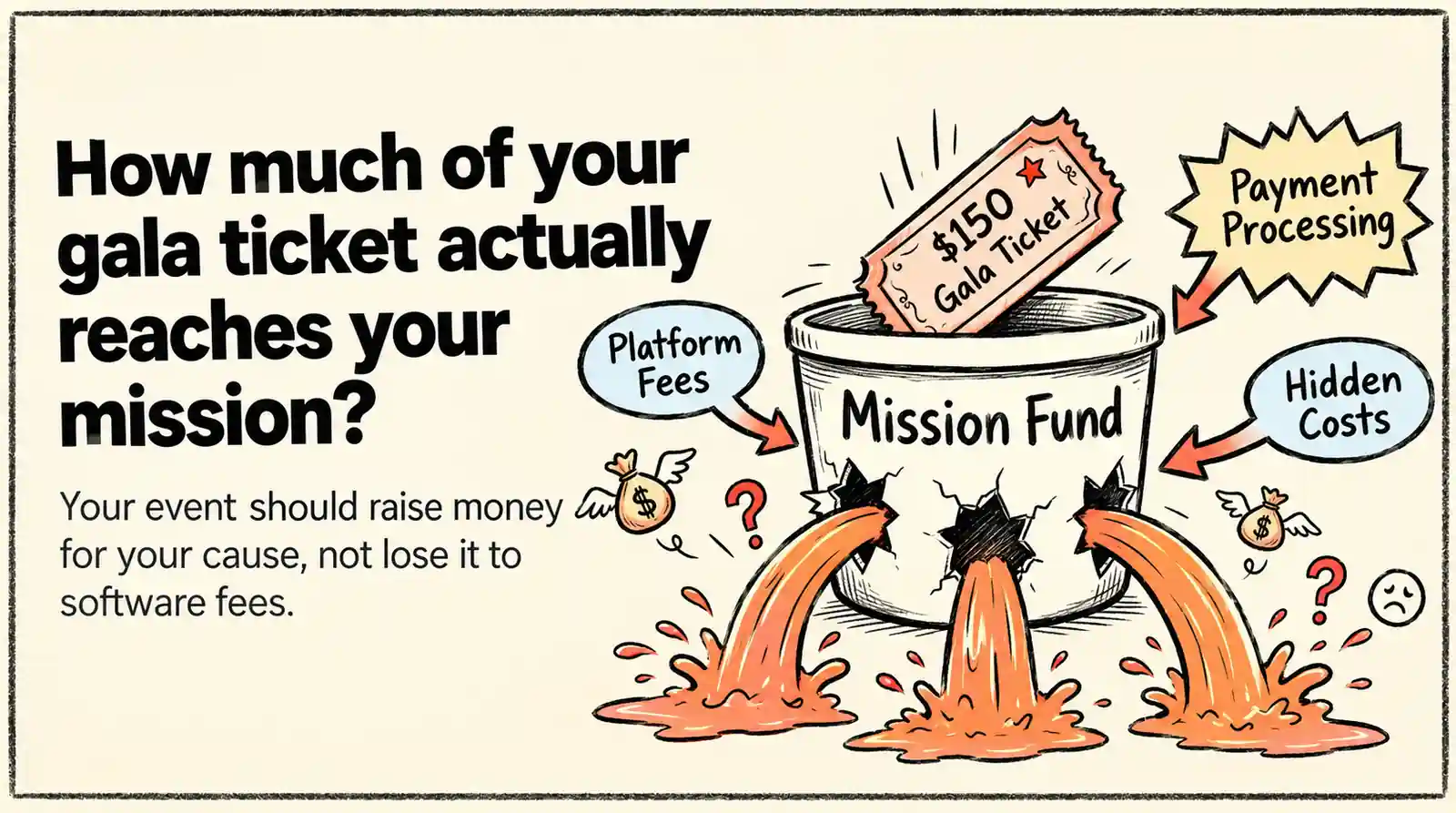
Fundraising Event Management Software: How Much of Your Donations Do You Keep?
Your gala should raise money for your cause, not lose it to event fees. Compare fundraising software pricing, uncover hidden costs, and find the right fit for your nonprofit.
Ashish Chandra
29 Oct 2026
 10 min read
Halloween Masquerade Ball: How to Host a Night of Masks and Mystery
From Venetian-inspired masks to QR-coded entry, here is your complete guide to planning a Halloween masquerade ball your guests will talk about for years.
Ashish Chandra
29 Oct 2026
 10 min read
Hybrid Events Platform: How to Run One Event for In-Person and Virtual Guests
A hybrid events platform lets you run one event for both in-person and virtual attendees. Here's what a good one does and how to ticket and check in both audiences without doubling your workload.
Ashish Chandra
28 Oct 2026