Are you still outsourcing your event tickets? Well, if you’re not using a free ticket maker then you must be unaware of this fact. A free ticket maker could really help you with ticket design and distribution.
And it’s quite important because these tickets are the gate to experiences such as concerts or games. Creating tickets for an event doesn’t have to be complicated or expensive.
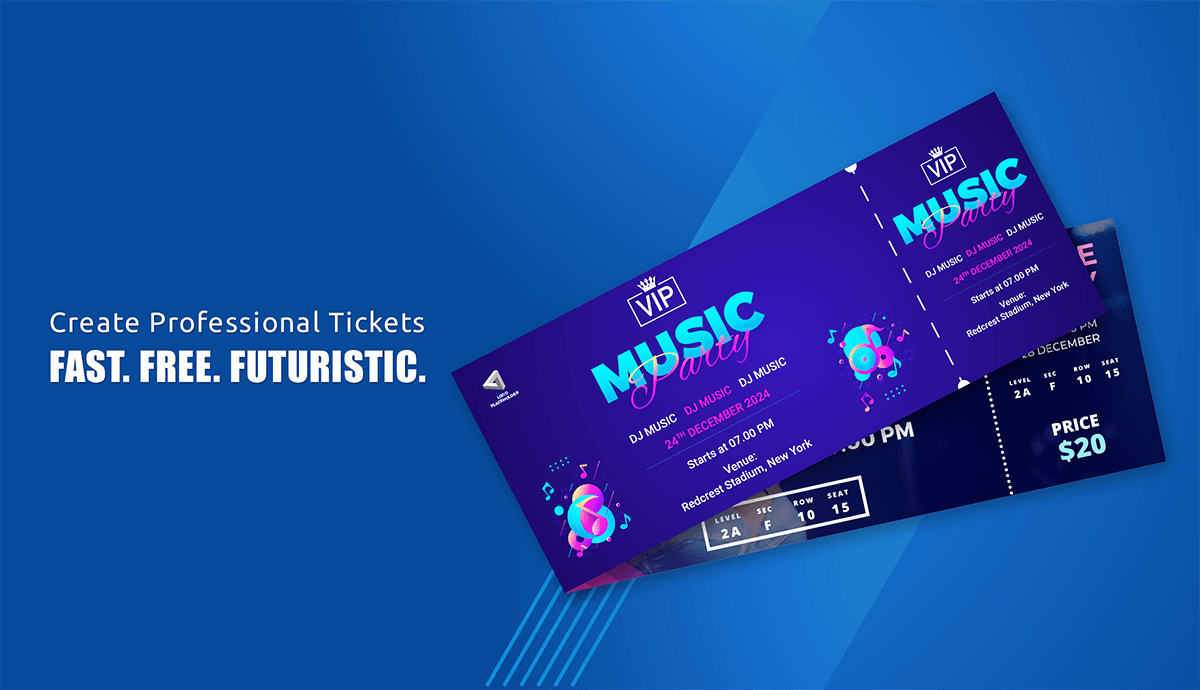
Many organizers start by designing tickets themselves using templates or simple design tools. A free ticket maker allows you to create printable tickets for concerts, raffles, parties, fundraisers, and other events without hiring a designer.
But designing tickets is only one part of event ticketing. You also need to distribute tickets, prevent duplicates, and manage entry when attendees arrive.
In this guide, I’ll show you:
How to create tickets using a free ticket maker
What features to look for when choosing one
How to customize tickets for your event
When to move from DIY tickets to automated ticket generation
A. Why should you use a free ticket maker?
Giving attendees tickets before an event adds structure and professionalism. Tickets help organizers control entry, track attendance, and create a better event experience.
A free ticket maker allows you to design event tickets quickly without hiring a designer or buying expensive software.
It is a cost-effective online method for creating tickets. There are many third-party softwares that can do the task for you but aren’t suitable for beginners.
You can use a free ticket maker to create the right free ticket template that can later be personalized.
Additionally, you don’t need to pay a graphic designer or have expensive equipment to create event tickets.
With no time and money wasted on creating tickets, using a free ticket maker is a no-brainer.
B. How can a free ticket maker save you money?
There are many event ticketing software out there but they cost a lot of money. Many discovery platforms such as Eventbrite and Ticketmaster have hidden costs because of their brand name. They charge you for publicity.
An even bigger problem is that tickets are auto-generated and don’t leave room for much customization.
However, most event platforms charge commissions on each ticket sale. For organizers who want full control over ticket design and distribution, many prefer using an e-ticket generator that allows them to create and manage tickets independently.
C. Look out for these features in a free ticket maker
With so many free ticket makers out there, you should watch out for these features:
Templates for all occasions—From Halloween to Birthday parties, your free ticket maker should have all sorts of templates
Customization—Your free ticket creator should leave room for personalized details such as logos, names, etc.
Unique ticket identification — A good ticket maker should allow each ticket to include a unique ticket ID, QR Code, or barcode so organizers can verify tickets during entry.
QR Code holder—Leaving room for QR codes on the tickets is essential if you want authorized entry upon scanning
Print-friendly—The ticket templates also need to be printer-friendly with CMYK color model
D. How to create tickets using a free ticket maker?
Here’s a step-by-step guide for using our free ticket generator:
This method works well for small events. But when you're sending hundreds of tickets, distributing them manually can become time-consuming. Many organizers eventually move to tools that generate and send tickets automatically.
E. How to customize your tickets?
What do we really mean when we say edit your ticket template? Let’s get into the details of what you really need to add to your ticket template to make it truly yours:
Pick a template that resonates with the tone of your event (casual, fun, formal etc.)
Change colors to complement your logo better
To integrate branding, use your logo, theme colors, and complementary images
Check and check again before finalizing the event ticket design
Based on the use case, you might want to include these specific details on the event ticket:
1. Event tickets
Event name, date, and time
Venue details
Unique ticket number
QR code or barcode for entry validation
Seating information (if applicable)
If your event has structured seating, tickets may also include section, row, and seat numbers so attendees know exactly where to sit.
2. Airline/transport tickets
Passenger name
Departure and arrival locations
Flight/train number
Date and time of travel
PNR or booking reference number
Security features such holograms or watermarks
3. Raffle tickets
Serial number for tracking
Event or prize details
Organization name and contact details
Space for participant information
F. Design tips for making tickets that make a mark
Save yourself from some common design errors with these habits:
Avoid pixelated images. Use high-quality images and logos for a more professional look
Less is more. Only essential information such as the event name, location, and date
Don’t clutter your ticket with too many images and text. A cleaner design is always better
Make sure the text is legible on all devices or on printed tickets
Print a single ticket before sending it for mass printing
For events where tickets will be scanned at entry, make sure there is enough space for a QR Code or barcode on the ticket.
G. How to share tickets with attendees?
Once you finish editing your ticket template, you can download it as a PDF or PNG.
From here, you have two options:
Manual distribution: Send tickets individually through email or messaging apps. This works for very small events but becomes time-consuming when you have many attendees.
Automated ticket distribution: Tools like Ticket Generator allow organizers to send tickets automatically via email, SMS, or WhatsApp with personalized messages.
This saves time and reduces the risk of attendees not receiving their tickets.
H. When DIY ticket templates stop working?
Free ticket templates work well for small events like school raffles, classroom activities, or private gatherings.
But as the number of attendees grows, managing tickets manually becomes harder.
Common challenges include:
sending tickets individually to attendees
tracking which tickets have been used
preventing duplicate or copied tickets
managing entry when many guests arrive at once
This is why many organizers eventually switch from printable templates to digital ticketing systems that automate ticket creation and validation.
I. Cons of using a free ticket maker
If all of this sounds too good to be true, you’re correct. Here are certain bottlenecks you’ll face with a free ticket maker:
Lack of high-tech additions—Free ticket generators can’t give you unique, scannable, and secure QR codes. In fact, they don’t have any security features
Ticket distribution—Designing the tickets seems like the hard part but what’s harder is making sure everyone receives the ticket. Errors on this part can be huge from an attendee’s point of view
Branding limitations—While event ticket templates are great, white-labeling them is often a struggle
No entry validation — Printable tickets cannot confirm whether a ticket has already been used. This makes it difficult to prevent duplicate entries.
However, to overcome these problems, there’s a really affordable solution that you should check out.
Head to the next section to learn how a small investment can make you an event ticketing champion.
J. Free ticket maker vs Premium ticket maker
Don’t get us wrong. By all means, the free ticket maker by Ticket Generator is the perfect solution for small-scale events.
However, as the size of the event increases, so do responsibilities. You need a tool to be able to handle design, distribution, and tracking analytics.
Here’s what you can do with the premium ticket makers:
Strengthen your event security with smart tickets that readily tell you if the entry is valid, duplicate, or invalid
Automated ticket distribution via email and SMS
Attendee tracking and analytics
Custom branding for complete white-labeling
Integration of event registration tool to your own website using Ticket Generator API
Integration with payment gateways for direct ticket sales
With tools such as Ticket Generator, you get a unique scannable QR code on each ticket. Each of these can be scanned upon entry using our own free app.
This is the best feature as it allows for fool-proof guest authorization in a second or two.
Everyone wants contactless event ticketing these days. Because of this, the digital ticketing industry will be worth USD 67.9 billion by the year 2027. [Source: Business Wire]
And if this is a bit too much to grasp, here’s a table to break it down for you:
Feature
Free Ticket Templates
Premium Ticket Generator
Automated Ticket Distribution
Manual sharing
Email, WhatsApp, and SMS automation for seamless distribution
Attendee Tracking and Analytics
No tracking features
Detailed insights on attendance and engagement
Payment Integration
Manual
Supports direct ticket sales and payment processing through Stripe/PayPal
Customer Support
Limited support
Priority support and dedicated assistance
Customization & Design
Basic templates and limited branding capacity
Advanced customization and premium design options for white labeling
Event Management Tools
Manual
Large-scale event coordination based on live ticket status tracking
QR Code for Tickets
Not provided
Unique, scannable QR code for seamless check-in
Pricing Model
Free templates but manual work
Commission-free pay per ticket with automation and validation
Conclusion
Free ticket makers are a great starting point for designing event tickets.
They allow organizers to create printable tickets quickly using templates without hiring a designer.
But as events grow, organizers often need more than just ticket design. They need tools that can automatically generate tickets, distribute them to attendees, and verify them during entry.
That’s where dedicated ticket generators become useful.
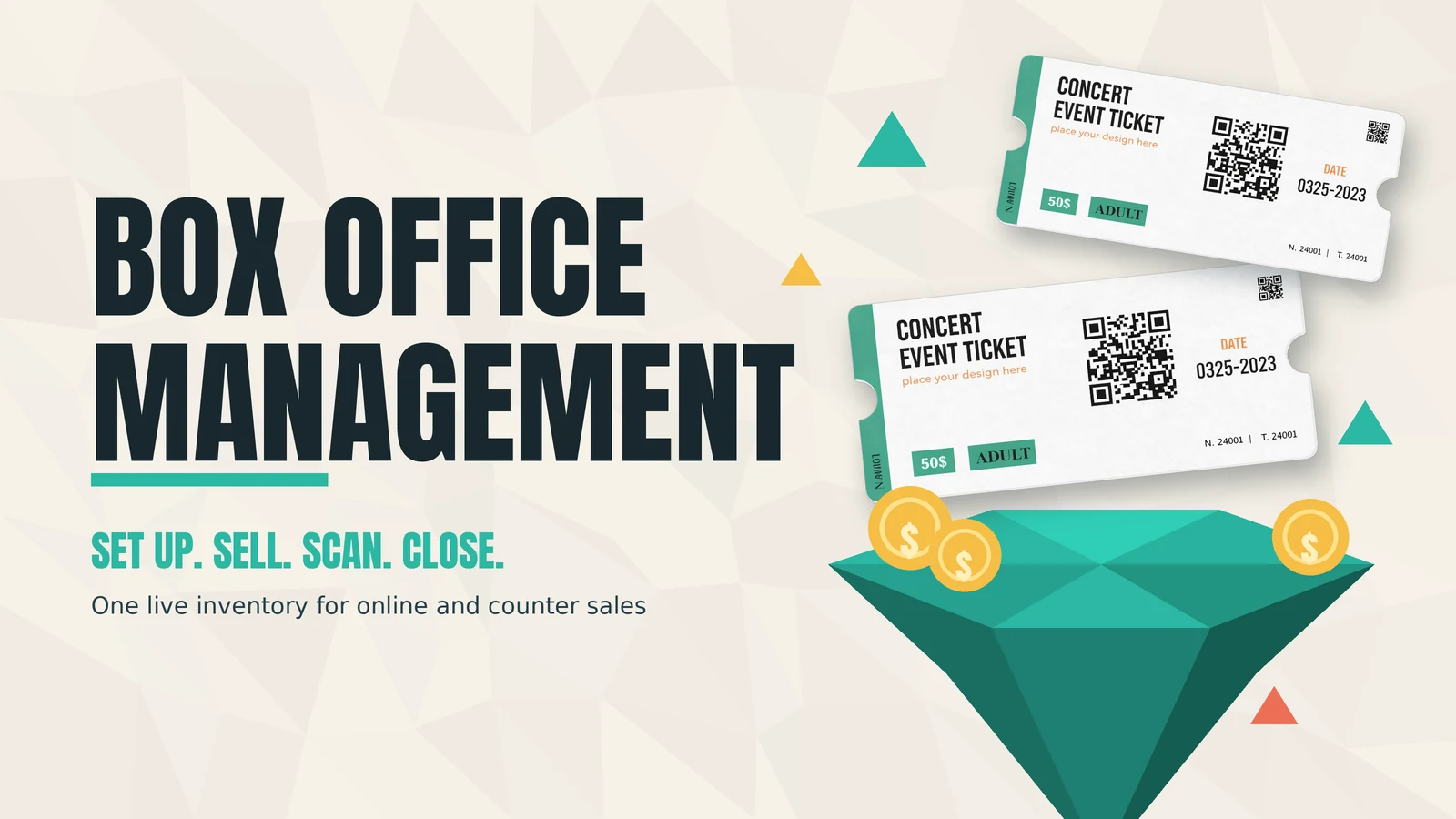
With Ticket Generator, organizers can create events, generate tickets, send them automatically, and validate them using QR scanning at the venue.
Set Up Event Ticketing and Distribution in Minutes!
First 10 tickets free | Free account | No credit card required
Pooja Jena is a content marketer specializing in content for event planners. She heads a community of over 23,000 event planners on social media. When she's not writing content for Ticket Generator, you'll find her traveling to the most remote places in the world. She has an eye for new events and experiences.




.png)






.webp)

.svg)
.svg)
